这不科学!无意中找到的一些资料:
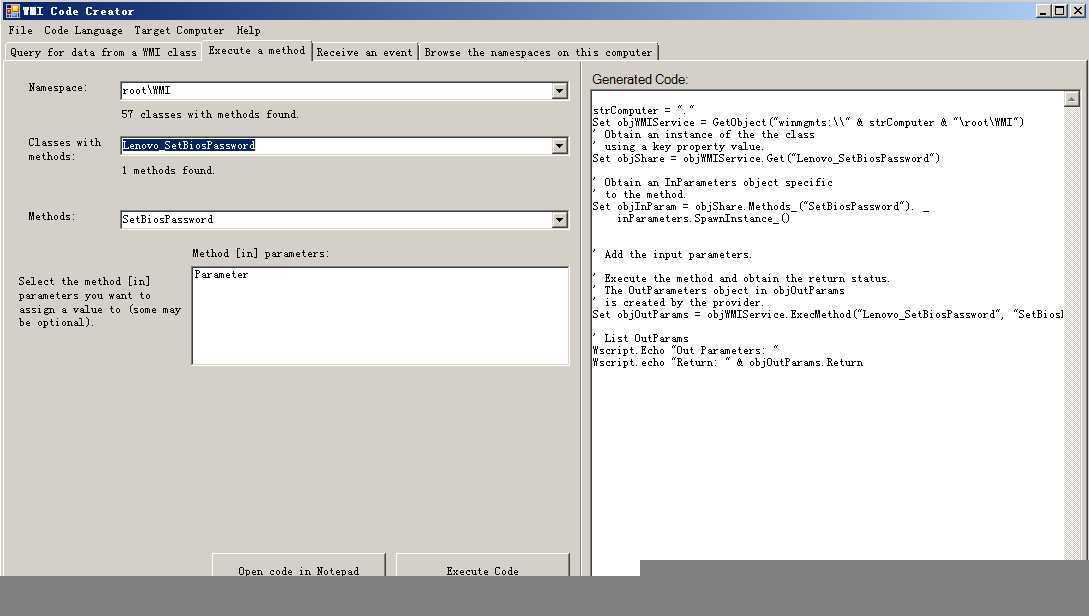
vbs 代码:
strComputer = "."
Set objWMIService = GetObject("winmgmts:\\" & strComputer & "\root\WMI")
‘ Obtain an instance of the the class
‘ using a key property value.
Set objShare = objWMIService.Get("Lenovo_SetBiosPassword.InstanceName=‘ACPI\PNP0C14\1_0‘")
‘ Obtain an InParameters object specific
‘ to the method.
Set objInParam = objShare.Methods_("SetBiosPassword"). _
inParameters.SpawnInstance_()
‘ Add the input parameters.
objInParam.Properties_.Item("Parameter") = "test"
‘ Execute the method and obtain the return status.
‘ The OutParameters object in objOutParams
‘ is created by the provider.
Set objOutParams = objWMIService.ExecMethod("Lenovo_SetBiosPassword.InstanceName=‘ACPI\PNP0C14\1_0‘", "SetBiosPassword", objInParam)
‘ List OutParams
Wscript.Echo "Out Parameters: "
Wscript.echo "Return: " & objOutParams.Return
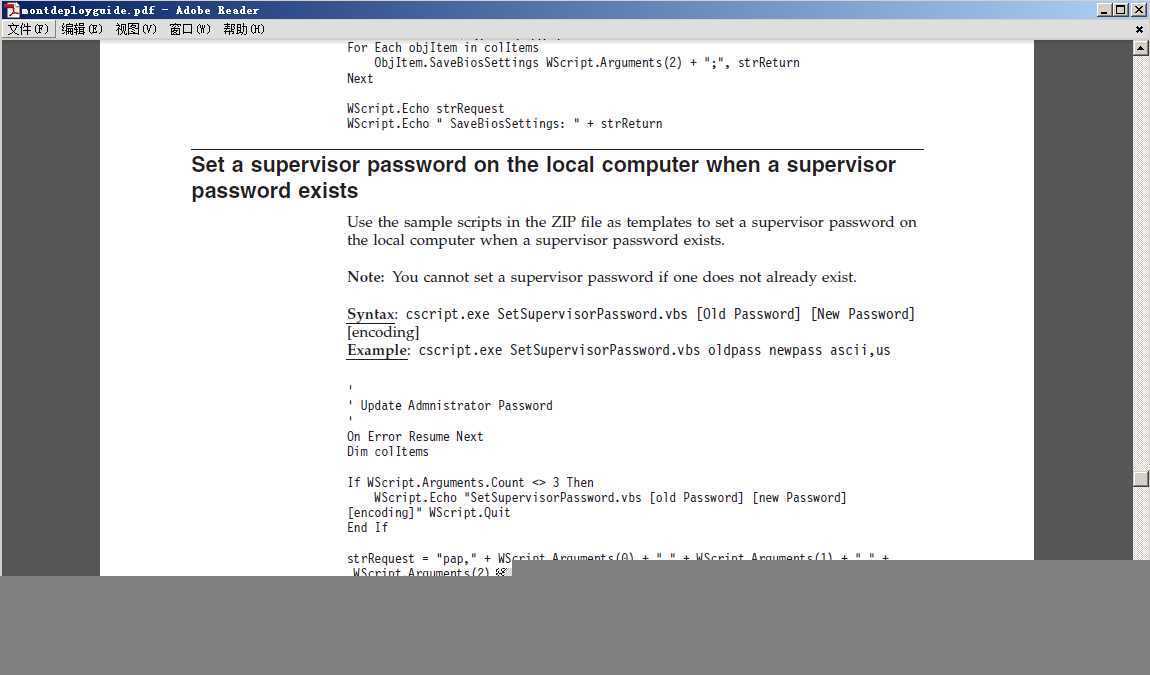
文档下载【PDF】:montdeployguide
本人来自: http://www.enun.net/?p=1497
利用VBS脚本修改联想笔记本BIOS密码的代码分享
原文:http://www.jb51.net/article/40055.htm
