
一、初始化
- (IBAction)logout:(id)sender {
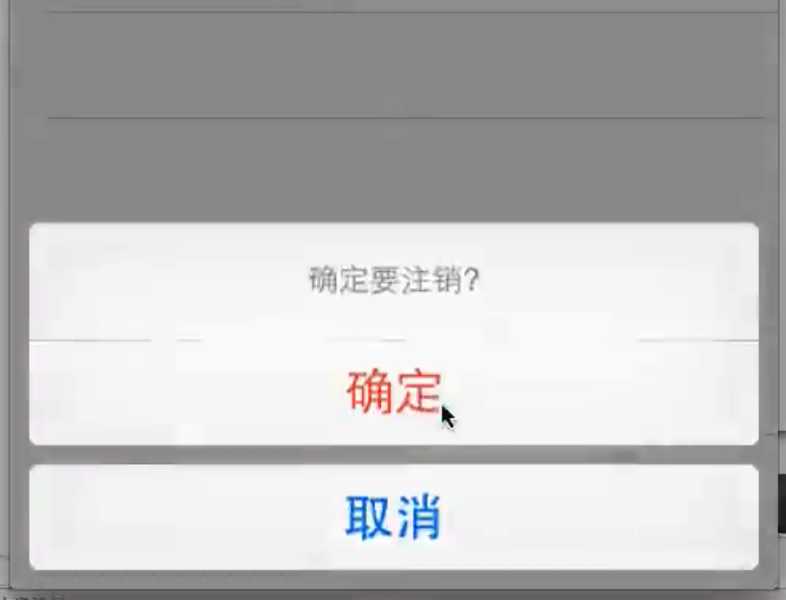
    UIActionSheet *sheet = [[UIActionSheet alloc] initWithTitle:@"确定要注销?" delegate:self cancelButtonTitle:@"取消" destructiveButtonTitle:@"确定" otherButtonTitles:nil, nil];
    [sheet showInView:self.view];
}
二、设置代理
//必须要让控制器遵守UIActionSheetDelegate代理
#pragma mark - actionsheet的代理方法
- (void)actionSheet:(UIActionSheet *)actionSheet clickedButtonAtIndex:(NSInteger)buttonIndex
{
    //通过buttonIndex的值来确定点击的是第几个
    if (buttonIndex == 0){
NSLog(@"确定注销");
}
}
三、效果图
原文:http://www.cnblogs.com/yumian/p/5177726.html