
Main.storyboard
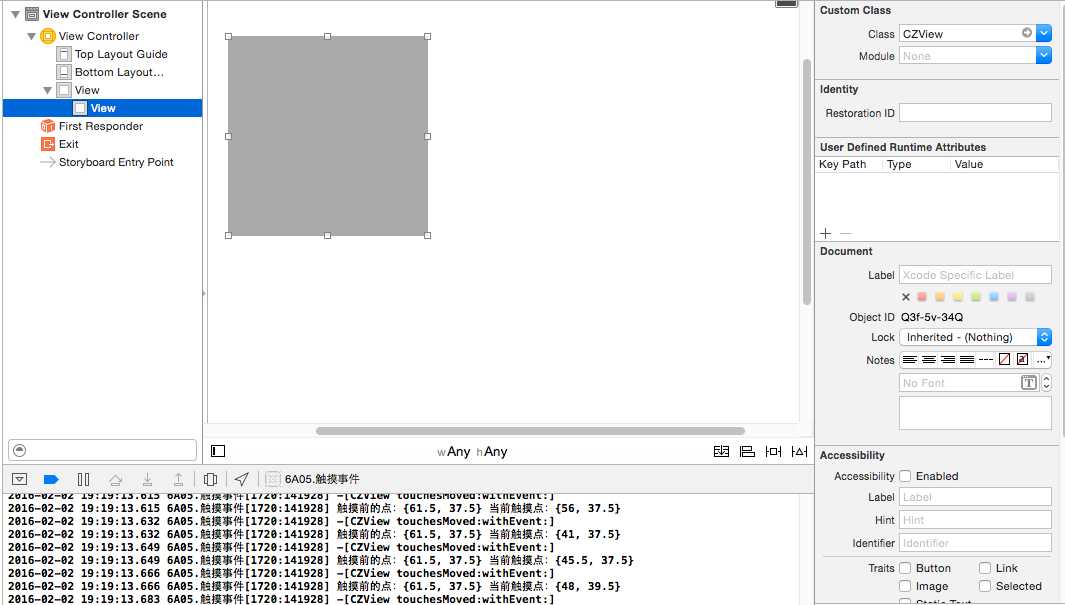
CZView.h
#import <UIKit/UIKit.h>
@interface CZView : UIView
@end
CZView.m
//
// CZView.m
// 6A05.触摸事件
//
// Created by huan on 16/1/30.
// Copyright © 2016年 huanxi. All rights reserved.
//
#import "CZView.h"
@implementation CZView
/*
// Only override drawRect: if you perform custom drawing.
// An empty implementation adversely affects performance during animation.
- (void)drawRect:(CGRect)rect {
// Drawing code
}
*/
-(void)touchesBegan:(NSSet<UITouch *> *)touches withEvent:(UIEvent *)event{
return;
NSLog(@"%s", __func__);
//获取当前触摸点的UITouch对象
UITouch *touch = [touches anyObject];
//触摸的view
NSLog(@"%@", touch.view);
//tapCount 点击的次数
NSLog(@"%ld", touch.tapCount);
//获取当前 触摸的位置
#warning 传一个nil 获取的触摸点的位置是在window上去 self = touch.view
CGPoint touchPosition = [touch locationInView:self];
NSLog(@"%@", NSStringFromCGPoint(touchPosition));
}
-(void)touchesMoved:(NSSet<UITouch *> *)touches withEvent:(UIEvent *)event{
NSLog(@"%s", __func__);
//获取当前触摸点的UITouch对象
UITouch *touch = [touches anyObject];
//获取当前触摸的位置
CGPoint current = [touch locationInView:touch.view];
//获取触摸前的位置
CGPoint previous = [touch previousLocationInView:touch.view];
NSLog(@"触摸前的点:%@ 当前触摸点:%@", NSStringFromCGPoint(previous), NSStringFromCGPoint(current));
//改变位置
CGPoint center = self.center;
center.x += current.x - previous.x;
center.y += current.y - previous.y;
self.center = center;
}
-(void)touchesEnded:(NSSet<UITouch *> *)touches withEvent:(UIEvent *)event{
NSLog(@"%s", __func__);
}
-(void)touchesCancelled:(NSSet<UITouch *> *)touches withEvent:(UIEvent *)event{
NSLog(@"%s", __func__);
}
@end
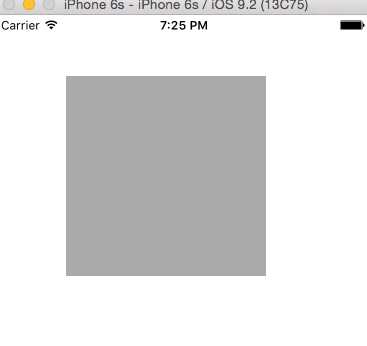
原文:http://www.cnblogs.com/Lu2015-10-03/p/5178373.html