
1. Installing Junit & Hamcrest
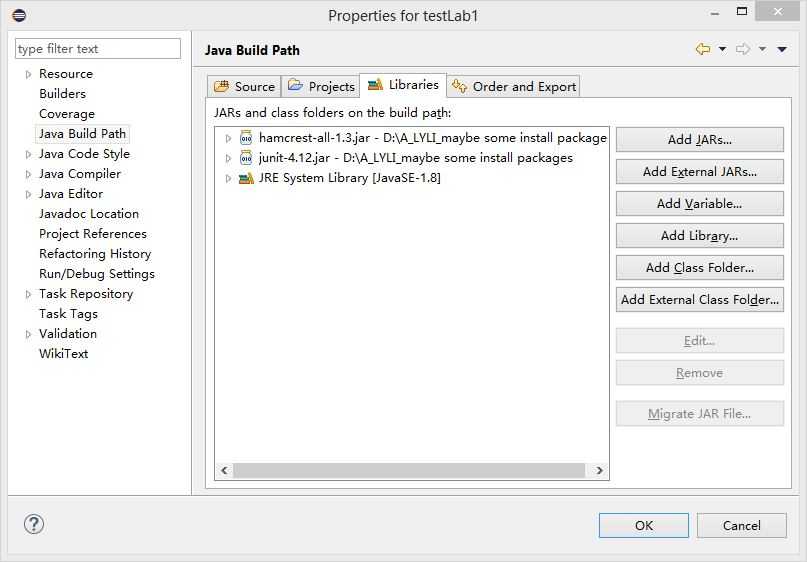
right click the project->Propertise->Java Build Path->Libraries->Add External Jars
2. Installing Eclemma
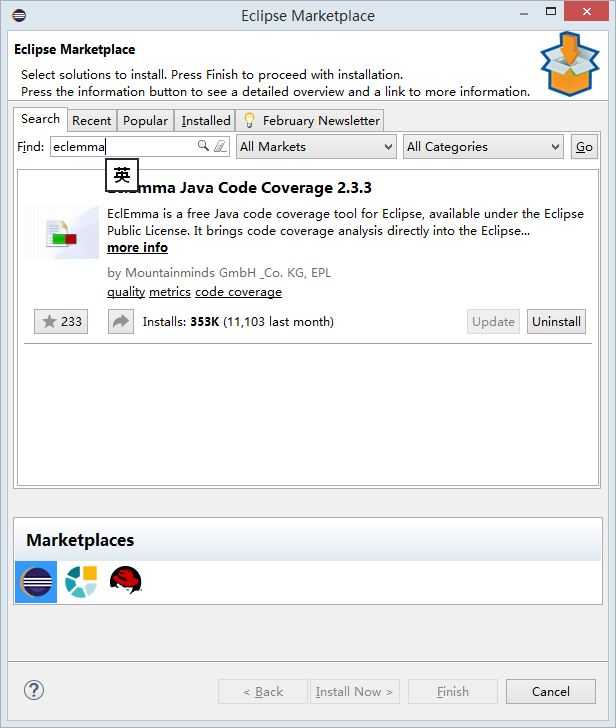
Help->Eclipse marketplaces->find : eclemma->install
3. Testing Result
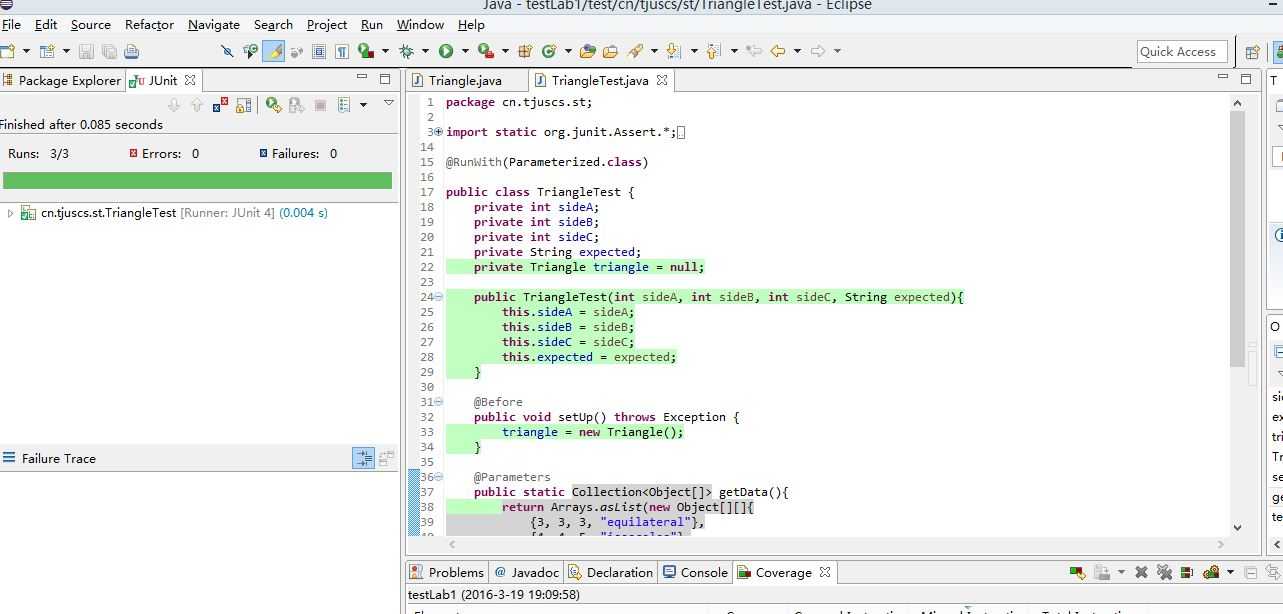
right click->Run as->Junit test
4. Coverage Report
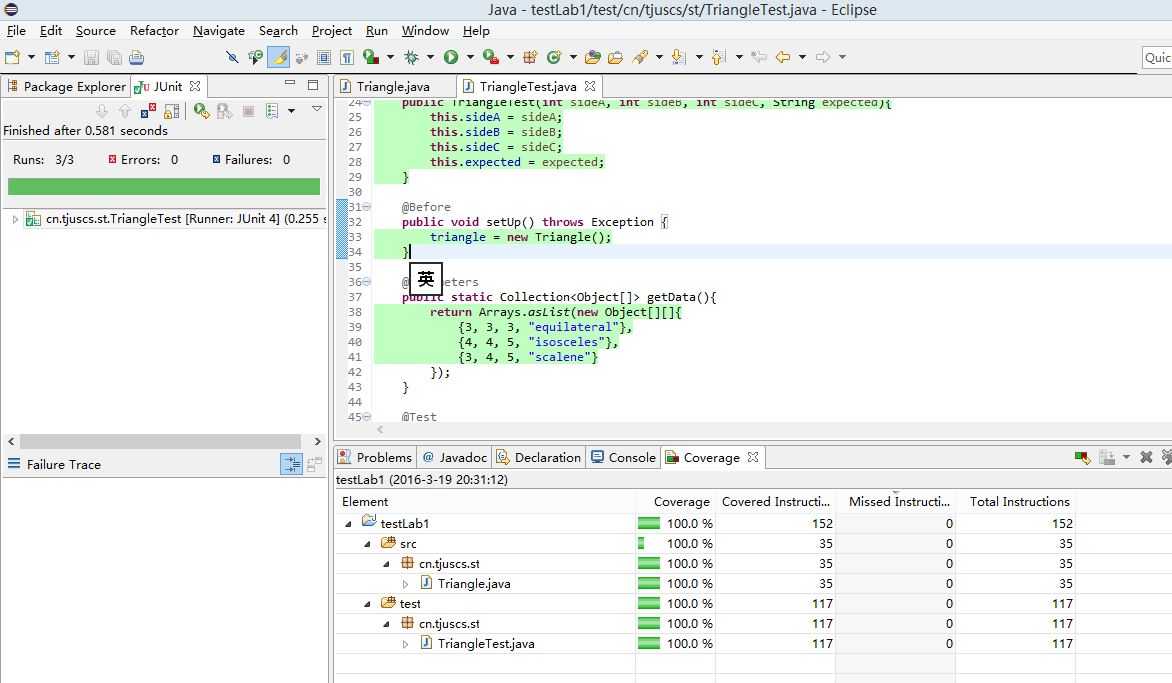
right click on the project->Coverage as->Junit Test
Software Testing 3rd Assignment
原文:http://www.cnblogs.com/lyli/p/5296239.html