
Use the following command to compress an entire directory or a single file on Linux. It’ll also compress every other directory inside a directory you specify–in other words, it works recursively.
tar -czvf name-of-archive.tar.gz /path/to/directory-or-file
Here’s what those switches actually mean:
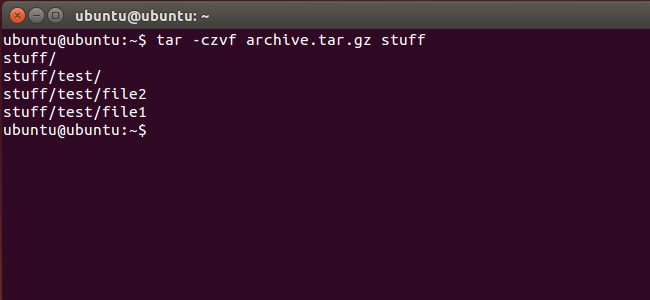
Let’s say you have a directory named “stuff” in the current directory and you want to save it to a file named archive.tar.gz. You’d run the following command:
tar -czvf archive.tar.gz stuff
Or, let’s say there’s a directory at /usr/local/something on the current system and you want to compress it to a file named archive.tar.gz. You’d run the following command:
tar -czvf archive.tar.gz /usr/local/something
原文:http://www.cnblogs.com/casperwin/p/6847932.html