
错误日志:Error:java.lang.RuntimeException: Some file crunching failed, see logs for details
Log:
FAILURE: Build failed with an exception.
* What went wrong:
Execution failed for task ‘:app:mergeDebugResources‘.
> Error: java.lang.RuntimeException: Crunching Cruncher ic_default_home_new.png failed, see logs
* Try:
Run with --stacktrace option to get the stack trace. Run with --info or --debug option to get more log output.
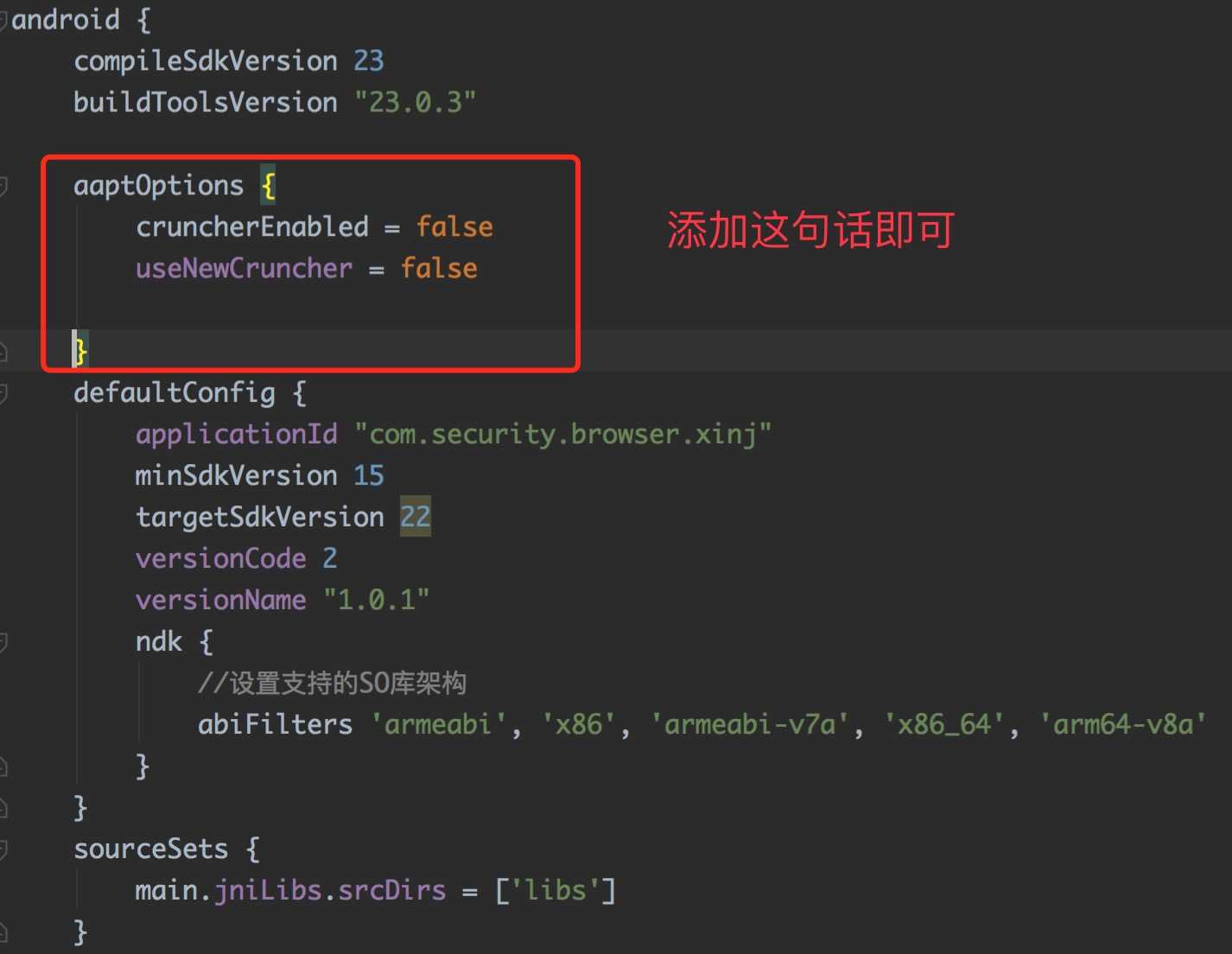
解决方法如下:

 1 android {
 2     compileSdkVersion 23
 3     buildToolsVersion "23.0.3"
 4
 5     aaptOptions {
 6         cruncherEnabled = false
 7         useNewCruncher = false
 8
 9     }
10     defaultConfig {
11         applicationId "com.xxx.xxx"
12         minSdkVersion 15
13         targetSdkVersion 22
14         versionCode 2
15         versionName "1.0.2"
16         ndk {
17             //设置支持的SO库架构
18             abiFilters ‘armeabi‘, ‘x86‘, ‘armeabi-v7a‘, ‘x86_64‘, ‘arm64-v8a‘
19         }
20     }
21 }
出现这个错误的原因是有哪种情况?
1.构建Gradle的时候,Gradle会去检查一下是否修改过文件的后缀名;
2.一般大多数是出现在图片上,.jpg修改成了.png就会出现这个问题;
3.9patch图片也可能出现这个问题。

【本文转载,用于自己学习,若有意见,可联系删除】
转载请标明出处:
http://www.cnblogs.com/why168888/p/5925756.html

本文出自:【Edwin博客园】
【转载】Android Gradle Build Error:Some file crunching failed, see logs for details解决办法
原文:http://www.cnblogs.com/mengyan520/p/7407176.html