
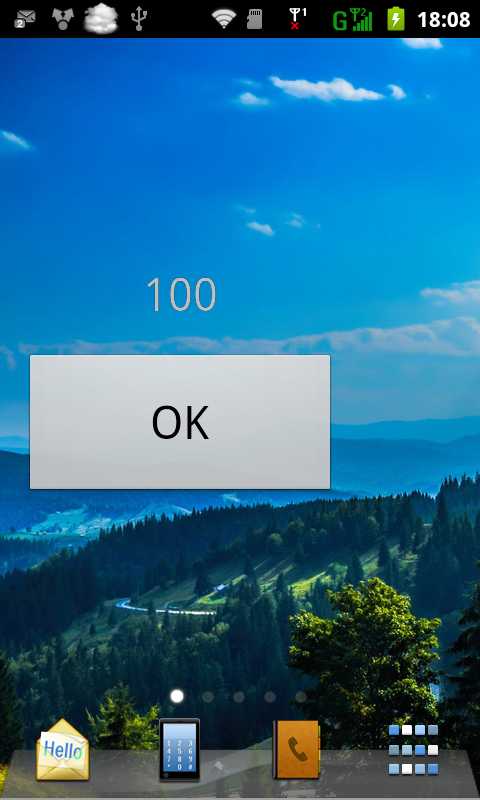
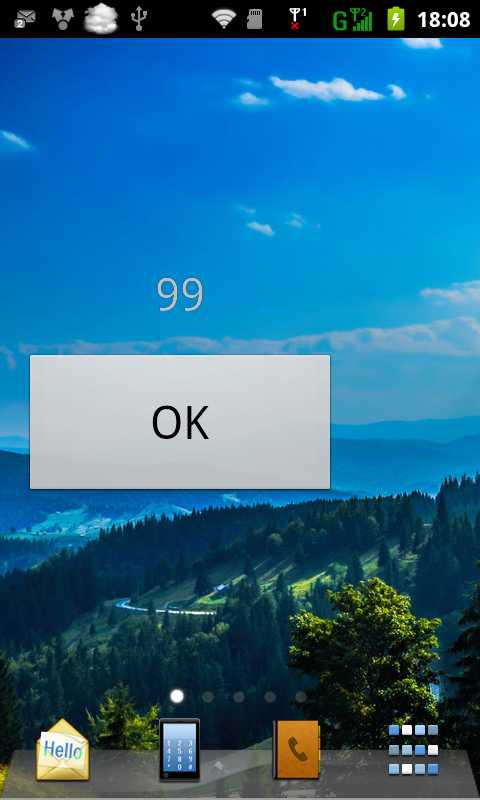
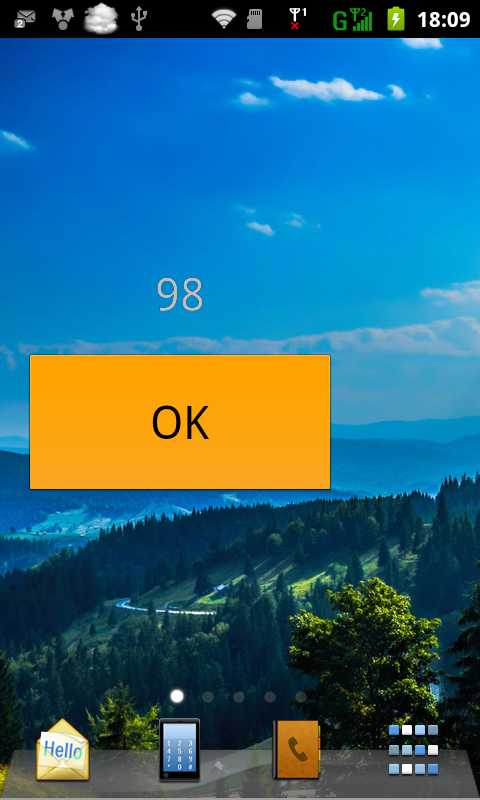
本文实现Widget中的按钮点击事件,点击一次下面的按钮,上面的数字减少1。
首先是Manifest文件:
|
1
2
3
4
5
6
7
8
9
10
11
12
13
14
15
16
17
18
19
20
21
22
23
24
25
26
27
28
29
30
31
32 |
<?xml version="1.0"
encoding="utf-8"?><manifest xmlns:android="http://schemas.android.com/apk/res/android" package="com.example.widget_sample" android:versionCode="1" android:versionName="1.0"
> <uses-sdk android:minSdkVersion="8" android:targetSdkVersion="17"
/> <application android:allowBackup="true" android:icon="@drawable/ic_launcher" android:label="@string/app_name" android:theme="@style/AppTheme"
> <receiver android:name=".MainActivity"
android:label="WIDGET_SAMPLE"> <intent-filter> <action android:name="android.appwidget.action.APPWIDGET_UPDATE"
/> </intent-filter> <meta-data android:name="android.appwidget.provider"
android:resource="@xml/my_widget"
/> </receiver> <service android:name="MainActivity$MyService"
> <intent-filter> <action android:name="Widget.Button.Click"></action> </intent-filter> </service> </application> </manifest> |
需要注意的是在MainActivity$MyService中定义的<intent-filter>,其中的Widget.Button.Click是自己定义的Action,如果没有加上这个Action,就无法收到点击按钮时发出的Action,也就不会更新Widget。
Java文件:
|
1
2
3
4
5
6
7
8
9
10
11
12
13
14
15
16
17
18
19
20
21
22
23
24
25
26
27
28
29
30
31
32
33
34
35
36
37
38
39
40
41
42
43
44
45
46
47
48
49
50
51
52
53
54
55
56
57
58
59
60
61 |
package
com.example.widget_sample;import java.util.Timer;import android.app.PendingIntent;import android.app.Service;import android.appwidget.AppWidgetManager;import android.appwidget.AppWidgetProvider;import android.content.ComponentName;import
android.content.Context;import
android.content.Intent;import
android.os.IBinder;import
android.util.Log;import
android.widget.RemoteViews;public
class MainActivity extends
AppWidgetProvider{ public
Context context; static
int num = 100; static
String tag_action = "Widget.Button.Click"; public
void onUpdate(Context con, AppWidgetManager appWidgetManager, int[] appWidgetIds) { context = con; Intent intent = new
Intent(context, MyService.class); context.startService(intent); } //MyService服务程序 public
static class MyService extends
Service { public
void onStart(Intent intent, int
startId){ ComponentName thisWidget = new
ComponentName(this, MainActivity.class); AppWidgetManager manager = AppWidgetManager.getInstance(this); RemoteViews remoteViews = new
RemoteViews(getPackageName(), R.layout.activity_main); // 点击按钮时 if
(intent.getAction() != null){ if
(intent.getAction().equals(tag_action)){ num--; } } remoteViews.setTextViewText(R.id.textView1, String.valueOf(num)); // 定义一个Intent来发送按钮Action Intent prevInten = new
Intent(); prevInten.setAction(tag_action); // 用Intent实例化一个PendingIntent PendingIntent Pprevintent=PendingIntent.getService(this, 0, prevInten, 0); // 给RemoteView上的Button设置按钮事件 remoteViews.setOnClickPendingIntent(R.id.button1, Pprevintent); manager.updateAppWidget(thisWidget, remoteViews); } @Override public
IBinder onBind(Intent arg0) { // TODO Auto-generated method stub return
null; } }} |
首先,定义一个Intent,Action设置为"Widget.Button.Click",然后再用该Intent实例化一个PendingIntent,用RemoteViews.setOnClickPendingIntent()函数将PendingIntent和点击按钮的事件关联起来,最后更新Widget。
服务onStart()时,用Intent.getAction()函数得到Intent的Action,并判断是否是"Widget.Button.Click",如果是,表明这是单击按钮发出的Intent,num--,然后再更新Widget。这样就实现了单击按钮一次,num的值减少1。
原文:http://www.cnblogs.com/mstk/p/3541770.html