
点击新建项目:
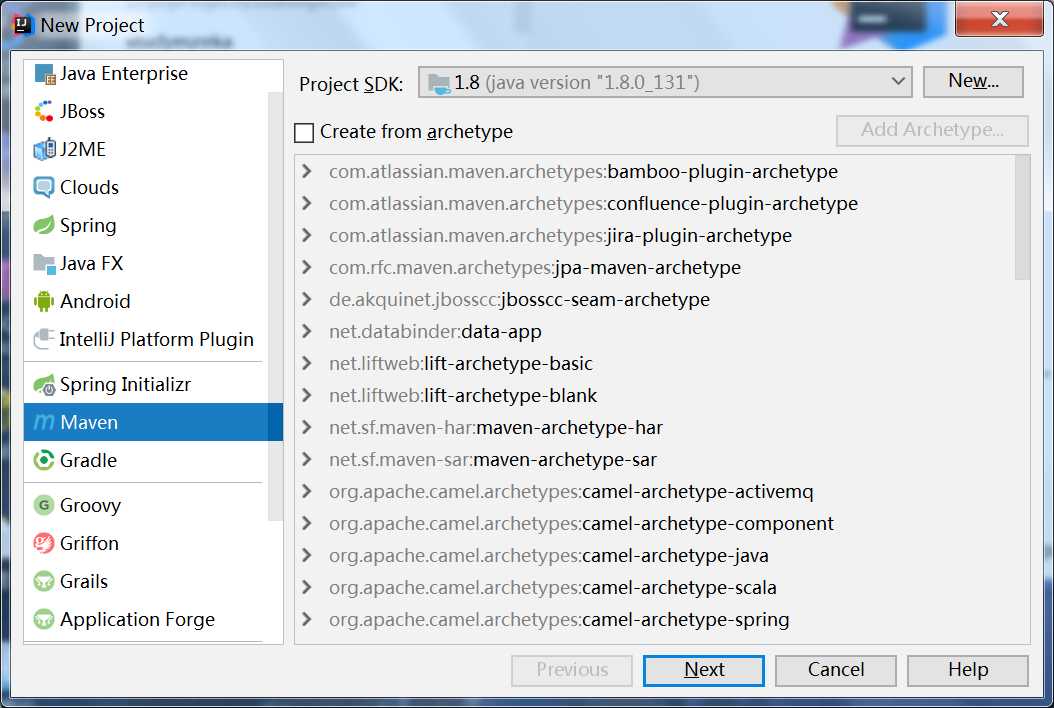
点击next:
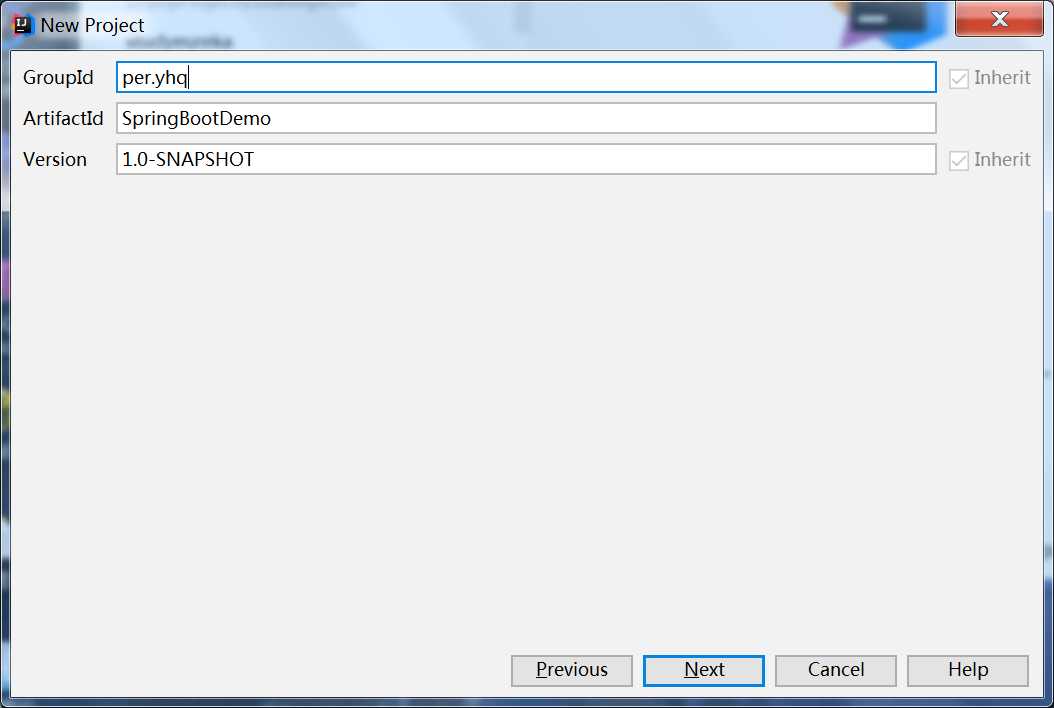
一直next ,直到创建成功。
创建完成后的项目结构如下:
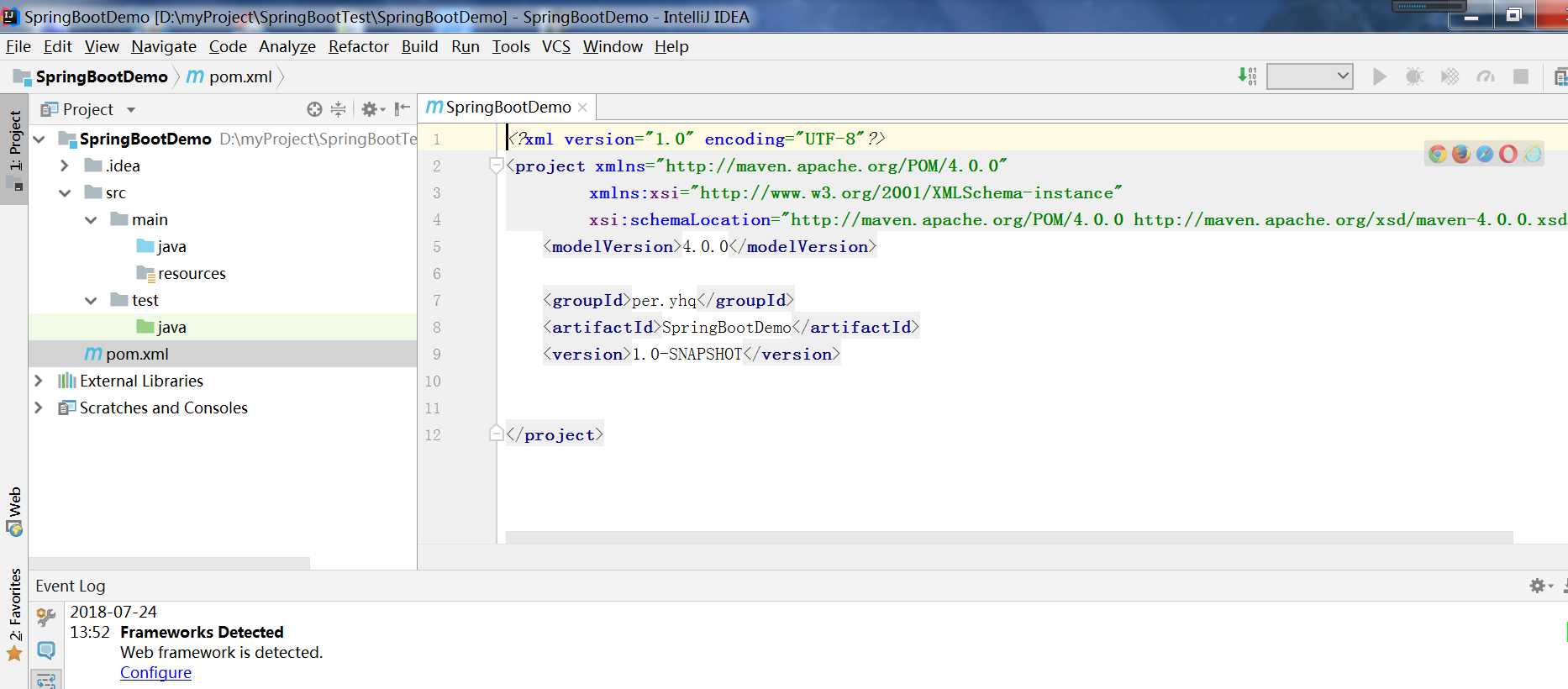
添加maven:
  <parent>
        <groupId>org.springframework.boot</groupId>
        <artifactId>spring-boot-starter-parent</artifactId>
        <version>1.5.2.RELEASE</version>
        <relativePath/> <!-- lookup parent from repository -->
    </parent>

    <dependencies>
        <dependency>
            <groupId>org.springframework.boot</groupId>
            <artifactId>spring-boot-starter-web</artifactId>
        </dependency>
        <dependency>
            <groupId>org.springframework.boot</groupId>
            <artifactId>spring-boot-starter-test</artifactId>
            <scope>test</scope>
        </dependency>
    </dependencies>

    <build>
    <plugins>
        <plugin>
            <groupId>org.springframework.boot</groupId>
            <artifactId>spring-boot-maven-plugin</artifactId>
        </plugin>
    </plugins>
新建个类:
LessonOneApplication
@SpringBootApplication
public class LessonOneApplication {
	public static void main(String[] args) {
		SpringApplication.run(LessonOneApplication.class, args);
	}
}
@RestController
@RequestMapping
public class HelloWordController {
    @RequestMapping(value = "/index",method = RequestMethod.GET)
    public String index(){
        return "HelloWord";
    }
}
运行 LessonOneApplication类的主函数方法: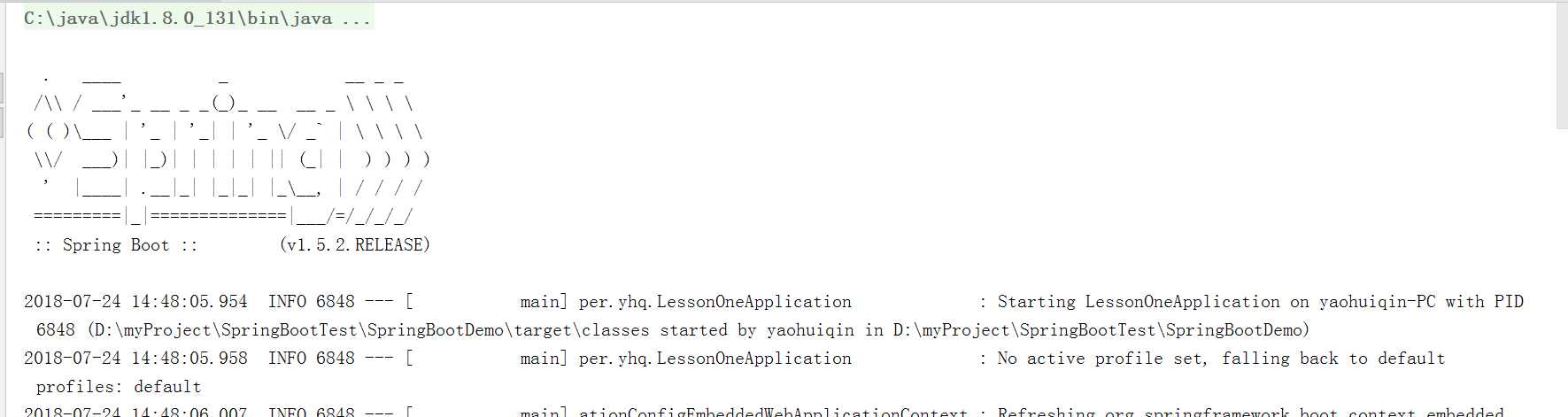
在浏览器上测试: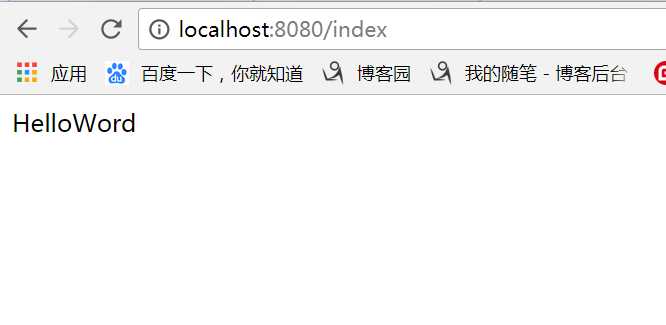
项目创建成功。
原文:https://www.cnblogs.com/yaohuiqin/p/9360005.html