

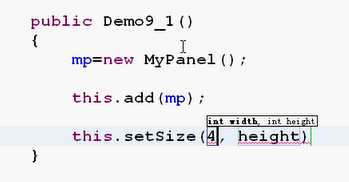
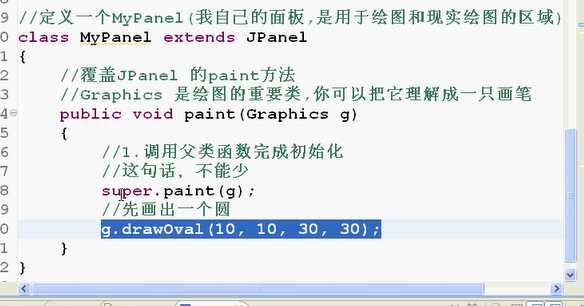
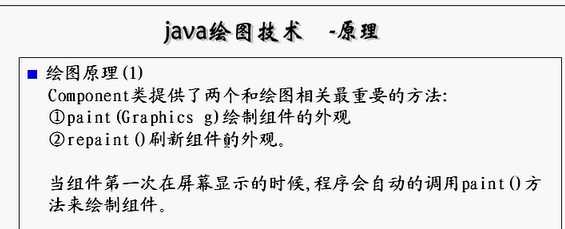
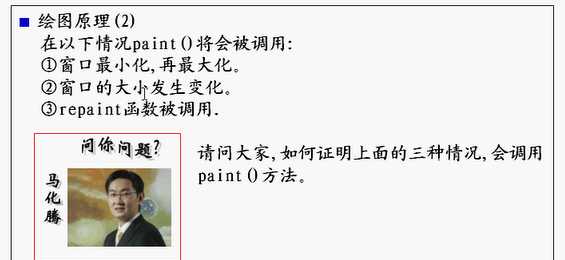
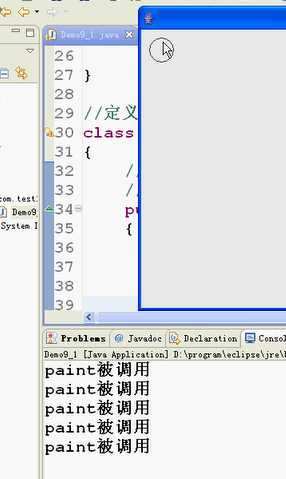
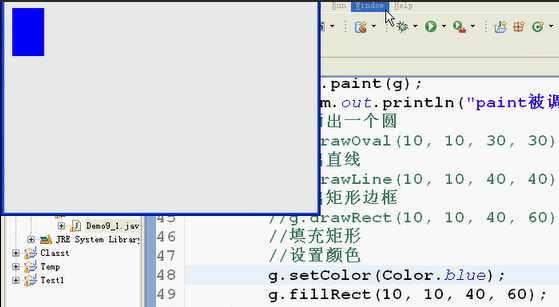
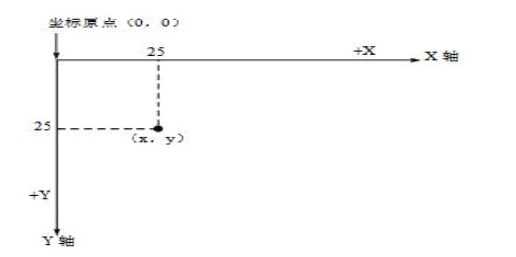
/*** 功能:java绘图原理*/import java.awt.*;import javax.swing.*;public class Window013 extends JFrame{ //定义组件 MyPanel mp=null; public static void main(String[] args) { Window013 th=new Window013(); } public Window013 (){ //创建组件 mp=new MyPanel(); //加入组件 this.add(mp); //设置窗体 this.setSize(400, 300); this.setLocationRelativeTo(null); this.setDefaultCloseOperation(JFrame.EXIT_ON_CLOSE); this.setVisible(true); }}//定义一个MyPanel(我自己的面板是用于绘图和显示绘图的区域)class MyPanel extends JPanel{ //重写(覆盖)JPanel的paint方法 public void paint(Graphics g){//Graphics是绘图的重要类,可以把它理解成一只画笔 //1、调用父类函数,完成初始化任务 super.paint(g);//super.paint(g);这句话不能少 System.out.println("Paint被调用");//用于测试绘图原理2paint调用 //先画一个圆 g.drawOval(10, 10, 30, 30);//drawOval方法是画圆 }}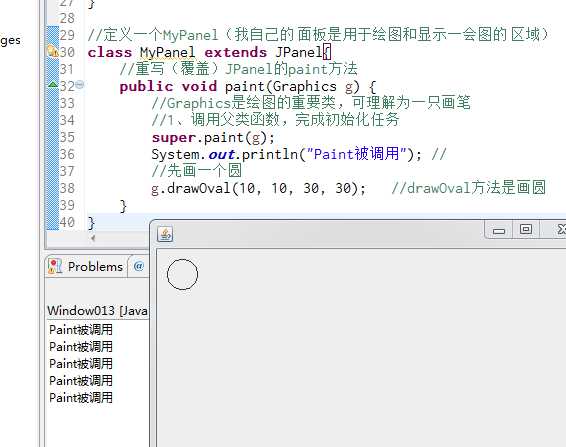
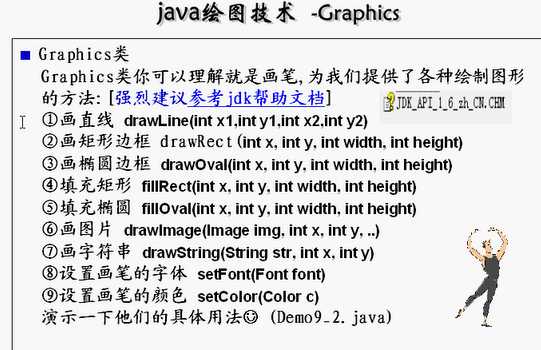
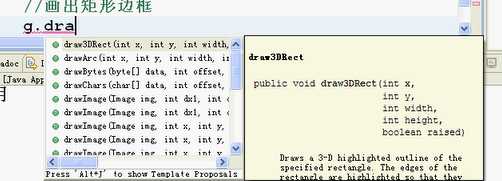
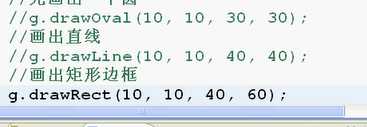
xxxxxxxxxximport java.awt.*;import javax.swing.*;public class Window014 extends JFrame{ //定义组件 MyPanel1 mp=null; public static void main(String[] args) { Window014 th=new Window014(); } //构造函数 public Window014(){ //构建组件 mp=new MyPanel1(); //加入组件 this.add(mp); //设置窗体 this.setSize(400, 300); this.setLocationRelativeTo(null); this.setDefaultCloseOperation(JFrame.EXIT_ON_CLOSE); this.setVisible(true); }}//定义一个MyPanel(我自己的面板是用于绘图和显示绘图的区域)class MyPanel1 extends JPanel{ //重写(覆盖)JPanel的paint方法 public void paint(Graphics g){//Graphics是绘图的重要类,可以把它理解成一只画笔 //1、调用父类函数,完成初始化任务 super.paint(g); //画一个直线 g.drawLine(10, 10, 40, 10); //画矩形边框 g.drawRect(50, 50, 40, 40); //画椭圆边框 g.drawOval(100, 100, 60, 60); //画填充矩形 g.setColor(Color.blue); g.fillRect(10, 150, 70, 70); //画填充椭圆 g.setColor(Color.red);//设置画笔颜色 g.fillOval(200, 50, 80, 80); }}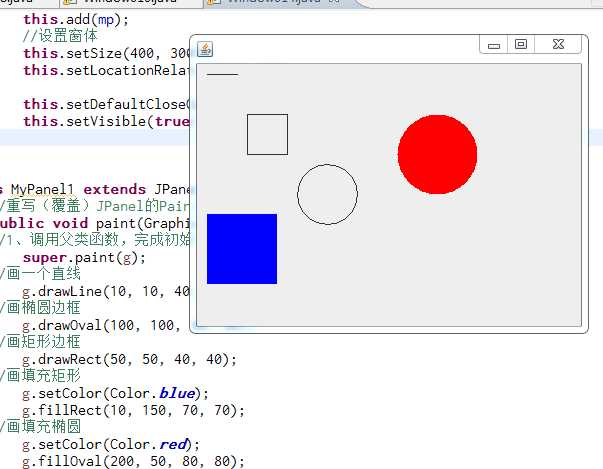
x
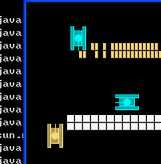
/** * 功能:坦克游戏的1.0 * 1、画出坦克 */import java.awt.*;import javax.swing.*;public class MyTank01 extends JFrame{ //定义组件 MyPanel mp=null; public static void main(String[] args) { MyTank01 mt=new MyTank01(); } //构造函数 public MyTank01(){ //构建组件 mp=new MyPanel(); //加入组件 this.add(mp); //设置JFrame窗体 this.setTitle("坦克大战");//JFrame标题 this.setSize(400, 300);//JFrame窗体大小 this.setLocationRelativeTo(null);//在屏幕中心显示 this.setVisible(true);//显示 this.setDefaultCloseOperation(JFrame.EXIT_ON_CLOSE);//退出并关闭JFrame }}//我的面板Panelclass MyPanel extends JPanel{ //定义一个我的坦克 Hero hero=null; //构造函数 public MyPanel(){ hero=new Hero(10,10);//我的坦克初始位置 } //重写paint函数 public void paint(Graphics g){ super.paint(g);//调用父类paint方法 //设置Panel底色 g.fillRect(0, 0, 400, 300);//fillRect(0,0,X?,Y?)中X?/Y?为活动区域 //调用坦克 this.drawTank(hero.getX(), hero.getY(), g, 0, 1); } //画出坦克的函数 public void drawTank(int x,int y,Graphics g,int direct,int type){ //判断是什么类型的坦克 switch(type){ case 0: g.setColor(Color.cyan);//我的坦克颜色 break; case 1: g.setColor(Color.yellow);//敌人坦克颜色 break; } //判断坦克的方向 switch(direct){ //向上走 case 0: //画出我的坦克(到时再封装成一个函数) //1、画出左边的矩形 g.fill3DRect(x, y, 5, 30, false); //2、画出右边的矩形 g.fill3DRect(x+15, y, 5, 30, false); //3、画出中间矩形 g.fill3DRect(x+5, y+5, 10, 20, false); //4、画出中间圆形 g.fillOval(x+5, y+10, 10, 10); //5、画出线(炮筒) g.drawLine(x+10, y+15, x+10, y); break; } } }//定义坦克类class Tank{ //表示坦克的X横坐标Y纵坐标 int x=0,y=0; public Tank(int x,int y){ this.x=x; this.y=y; } public int getX() { return x; } public void setX(int x) { this.x = x; } public int getY() { return y; } public void setY(int y) { this.y = y; }}//我的坦克class Hero extends Tank{ public Hero(int x,int y){ super(x,y); }}原文:https://www.cnblogs.com/xuxaut-558/p/10045702.html