
Condor XC-MINI Add Key:HU162T,and here we will introduce instruction about how to use condor mini key cutting machine cut New VW HU162T(9/10cuts) key.
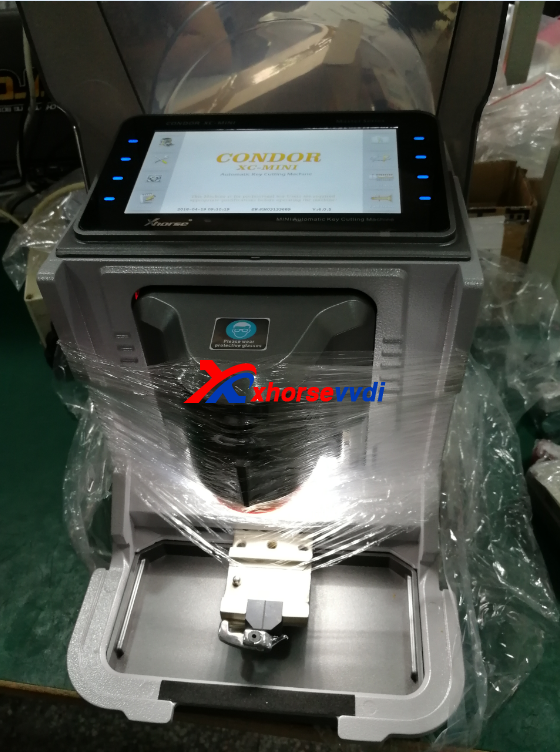
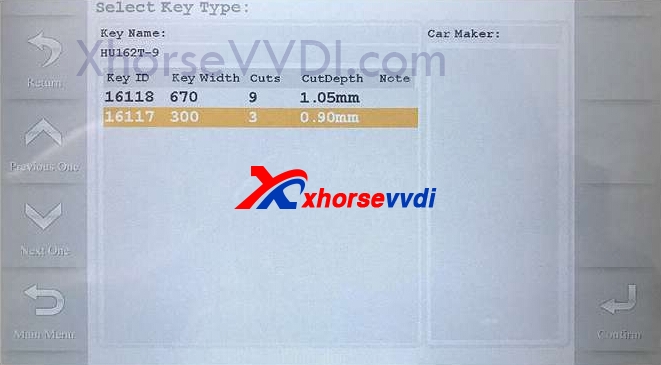
1. Start condor mini key cutting machine. Select "Cut by bitting" then select the key blank "HU162t-9"
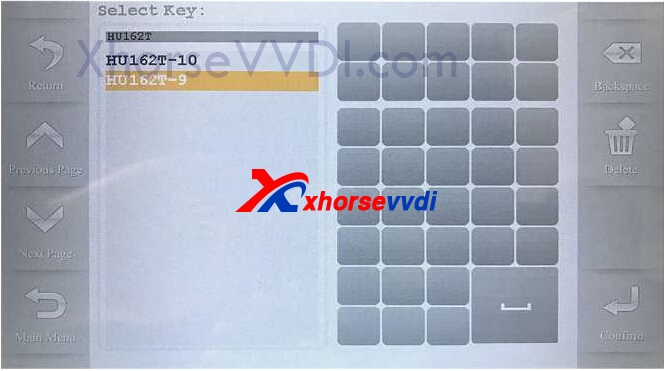
2. Select "Key Decode" or enter 9 bittings directly, follow machine prompt to decode or cutting keys.
It shows Clamp M2 and position B.
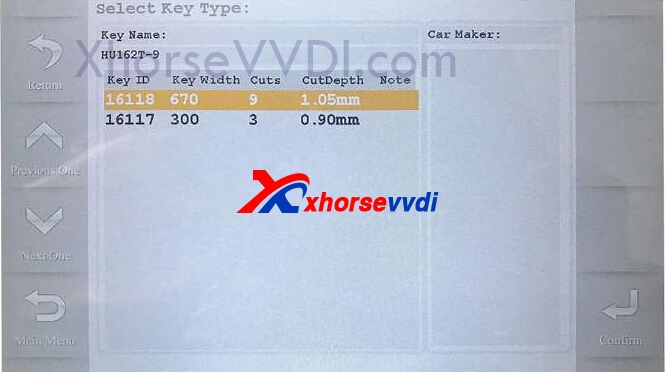
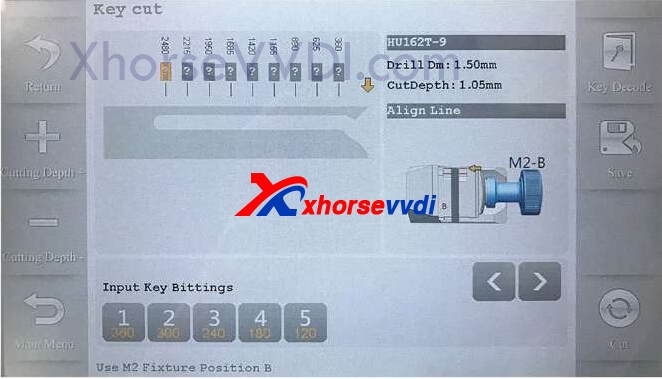
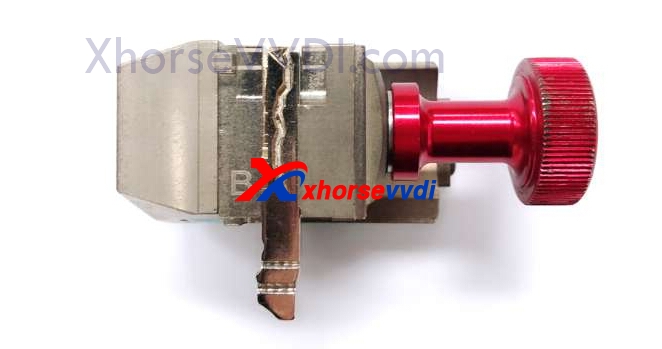
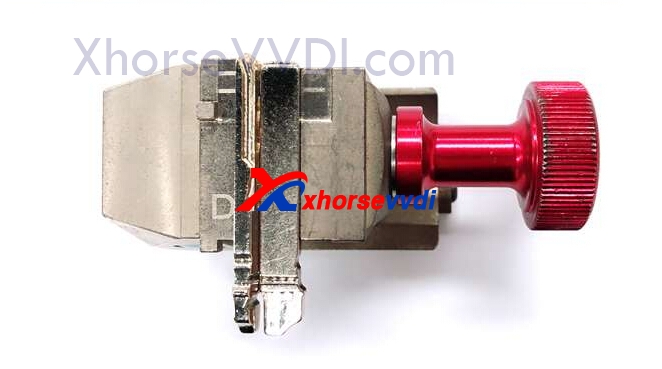
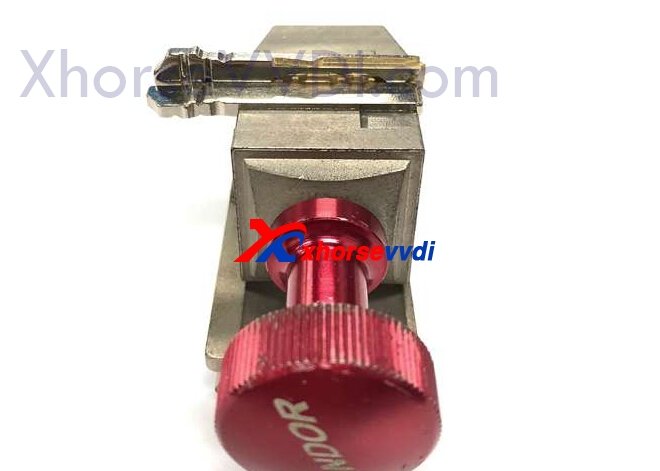
3.After 9 bittings cut OK,back to "Select key type" select 3 cuts to decode or enter bittings for left/right sides.Follow machine prompt use side D,require an extra blank to tight the cutting key.
 original:How to use Condor XC-MINI Cut New VW HU162T(9/10cuts)?
New released Xhorse Condor XC-Mini Plus Key Cutting Machine