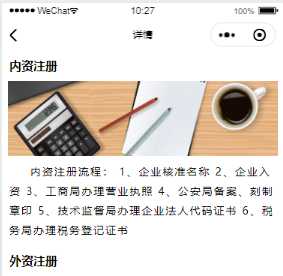
<template>
<div>
<web-view :src="aSrcs"></web-view>
</div>
</template>
<script>
export default {
data(){
return{
aSrcs:""
}
methods: {
aSrc(){
var id = this.$root.$mp.query.id
if(id==1){
return ‘https://api.1yunsong.com/Hxjy/Wx/detail_gs‘
}
else if(id==2){
return ‘https://api.1yunsong.com/Hxjy/Wx/detail_cs‘
}
else if(id==3){
return ‘https://api.1yunsong.com/Hxjy/Wx/detail_zs‘
}
else if(id==4){
return ‘https://api.1yunsong.com/Hxjy/Wx/detail_qy‘
}
else{
return false
}
}
},
mounted() {
this.aSrcs = this.aSrc()
},
}
</script>
从外部页面再跳回到微信小程序:(在H5页面中写)
1、先引入一个js文件
<script src="https://res.wx.qq.com/open/js/jweixin-1.3.0.js"></script>
2、在script中加入一行代码
<script>
window.onunload = function(){
wx.miniProgram.navigateBack({})
}
</script>
这样就可以了!