
第三章
3.4.1引入布局
创建一个自定义标题栏
按书上的代码没有实现,在给button和textview加上背景图片的时候,图片过大导致不能实现书上的效果。
以下是自己实现的代码。
<?xml version="1.0" encoding="utf-8"?>
<LinearLayout xmlns:android="http://schemas.android.com/apk/res/android"
    android:layout_width="match_parent"
    android:layout_height="wrap_content">

    <Button
        android:id="@+id/title_back"
        android:layout_width="100dp"
        android:layout_height="50dp"
        android:layout_gravity="center"
        android:layout_margin="5dp"
        android:text="Back"
        android:background="@drawable/back_bg"
        android:textColor="#fff" />

    <TextView
        android:id="@+id/title_text"
        android:layout_width="0dp"
        android:layout_height="50dp"
        android:layout_gravity="center"
        android:layout_weight="1"
        android:gravity="center"
        android:text="Title Text"
        android:textColor="#fff"
        android:background="@drawable/title_bg"
        android:textSize="24sp"/>

    <Button
        android:id="@+id/title_edit"
        android:layout_width="100dp"
        android:layout_height="50dp"
        android:layout_gravity="center"
        android:layout_margin="5dp"
        android:text="Edit"
        android:background="@drawable/title_bg"
        android:textColor="#fff"/>

</LinearLayout>
经过百度,发现设置一下宽高就好了,button设置wrap_content控件大小会受背景图片影响。
实现效果如下:
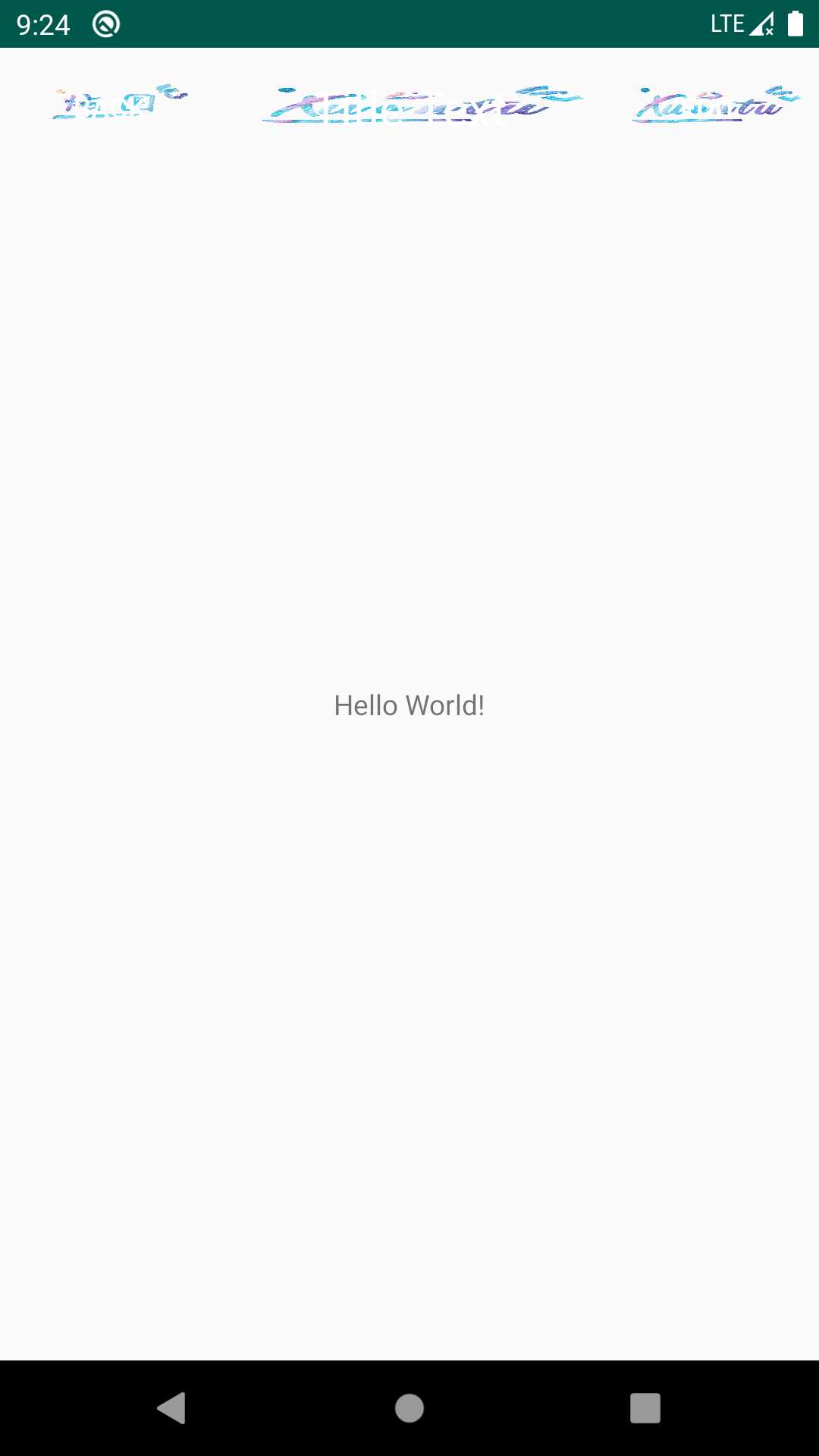
(emmmm,界面美不美观就不要太在意了,都是小问题,小问题。)
3.61 RecyclerView的基本用法
由于as的版本更新问题,目前最新版的as对于书上的代码已经不适用。
在项目的build.gradle中添加相应的依赖库时
应按照如下操作
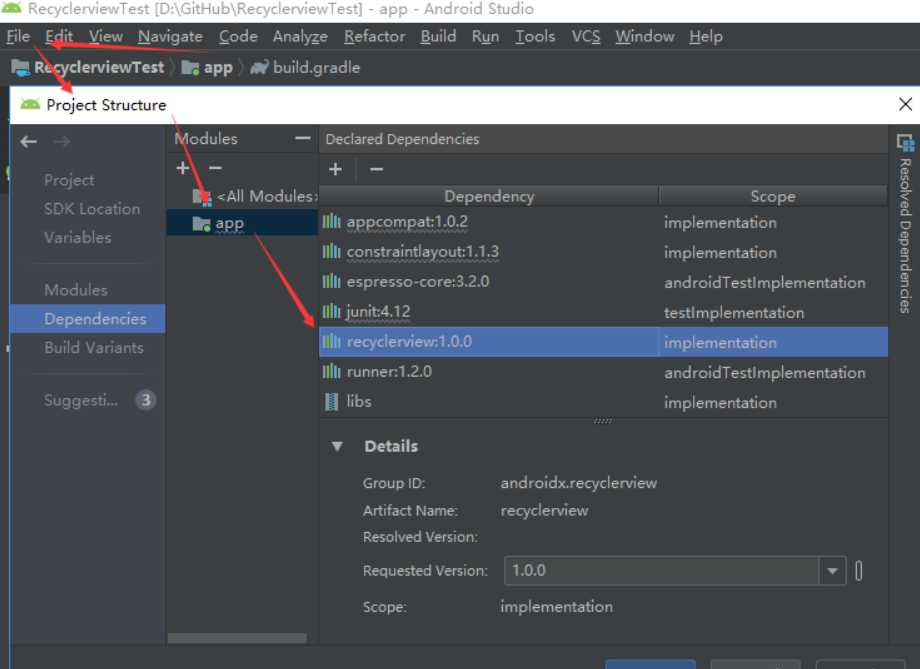
设置成功后,修改活动布局activity_main.xml:
<?xml version="1.0" encoding="utf-8"?>
<LinearLayout xmlns:android="http://schemas.android.com/apk/res/android"
    xmlns:app="http://schemas.android.com/apk/res-auto"
    xmlns:tools="http://schemas.android.com/tools"
    android:layout_width="match_parent"
    android:layout_height="match_parent"
    tools:context=".MainActivity">

    <androidx.recyclerview.widget.RecyclerView
        android:id="@+id/recycler_view"
        android:layout_width="match_parent"
        android:layout_height="match_parent"/>

</LinearLayout>
原文:https://www.cnblogs.com/yangyangyang-xiannv/p/11874050.html