
1.搭建好的springboot框架(之前博客有),然后还要配置下application.properties,添加如下:
# multipart
# 开启上传
spring.servlet.multipart.enabled=true
# 磁盘书写值控制
spring.servlet.multipart.file-size-threshold=2KB
# 最大文件大小
spring.servlet.multipart.max-file-size=200MB
# 最大请求大小
spring.servlet.multipart.max-request-size=215MB
2.然后controller中写如下代码:
PS:其实应该建表将文件的一些信息存储下,这里就省略了,感兴趣的可以尝试下。
package com.example.controller;

import org.springframework.stereotype.Controller;
import org.springframework.ui.Model;
import org.springframework.web.bind.annotation.RequestMapping;
import org.springframework.web.bind.annotation.RequestMethod;
import org.springframework.web.bind.annotation.RequestParam;
import org.springframework.web.multipart.MultipartFile;

import java.io.File;

@Controller
@RequestMapping("file")
public class FileController {

    /**
     * 初始化页面
     * @return
     */
    @RequestMapping(value = "/initIndexPage",method = RequestMethod.GET)
    public String initIndexPage(){
        return "fileupload";
    }

    /**
     * 文件上传(单/多)
     * @param files
     * @param model
     * @return
     * @throws Exception
     */
    @RequestMapping(value = "/fileUpload",method = RequestMethod.POST)
    public String fileUpload(@RequestParam("file")MultipartFile[] files, Model model) throws Exception{
        if (files.length>0){
            String path = "D:/File";
            String fileName;
            File filePath;
            for (MultipartFile file:files){
                fileName = file.getOriginalFilename();
                filePath = new File(path,fileName);
                if (!filePath.getParentFile().exists()){
                    filePath.getParentFile().mkdirs();
                }
                file.transferTo(new File(path+File.separator+fileName));
                model.addAttribute("msg","上传成功!");
            }
        }else {
            model.addAttribute("msg","文件不能为空!");
        }
        return "fileupload";
    }

}
3.前端页面信息如下:
PS:注意开启thyme leaf的标签和jQuery的添加(仅限本次项目)
<!DOCTYPE html>
<html lang="en" xmlns:th="http://www.thymeleaf.org"> // 开启thyme leaf标签
<head>
    <meta charset="UTF-8">
    <title>Title</title>
    <script src="../static/jquery-3.4.1.js"></script>
    <script>
        function addFile() {
            var node = "<input type=‘file‘ name=‘file‘>";
            $("form input[type=‘submit‘]").before(node);
        }

    </script>
</head>
<body>
<input type="text" th:value="${msg}">
    <input id="add" type="button" value="添加文件" onclick="addFile()">
    <form action="/file/fileUpload" enctype="multipart/form-data" method="post">
        <input type="file" name="file">
        <input type="submit" value="上传">
    </form>
</body>
</html>
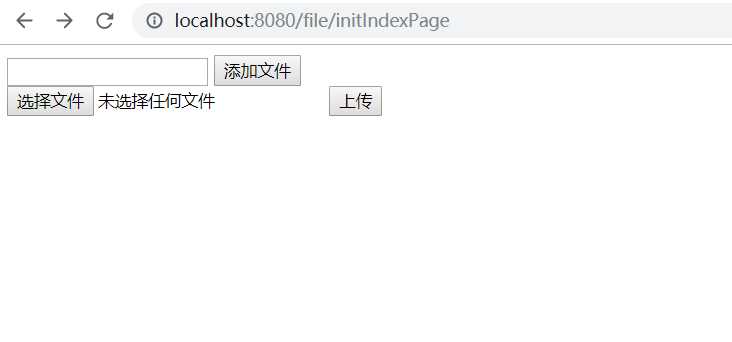
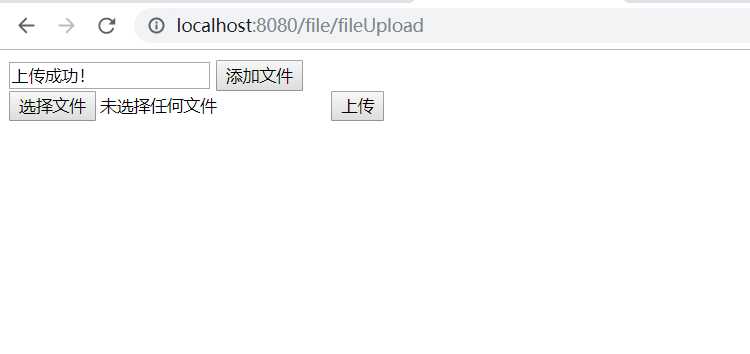
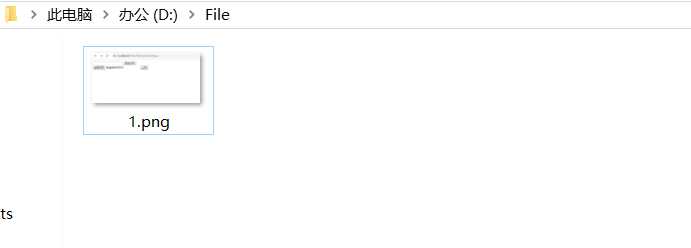
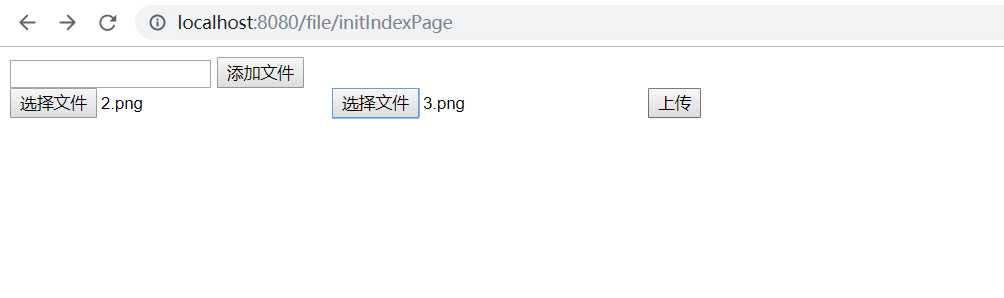
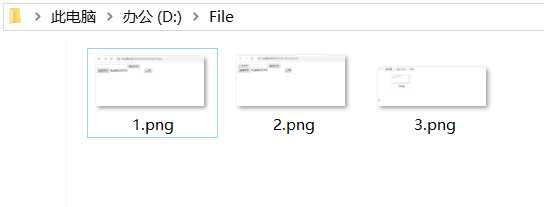
4.测试上传功能
原文:https://www.cnblogs.com/lightbc/p/11991595.html