
Eclipse 使用git pull 代码时发生冲突的解决办法
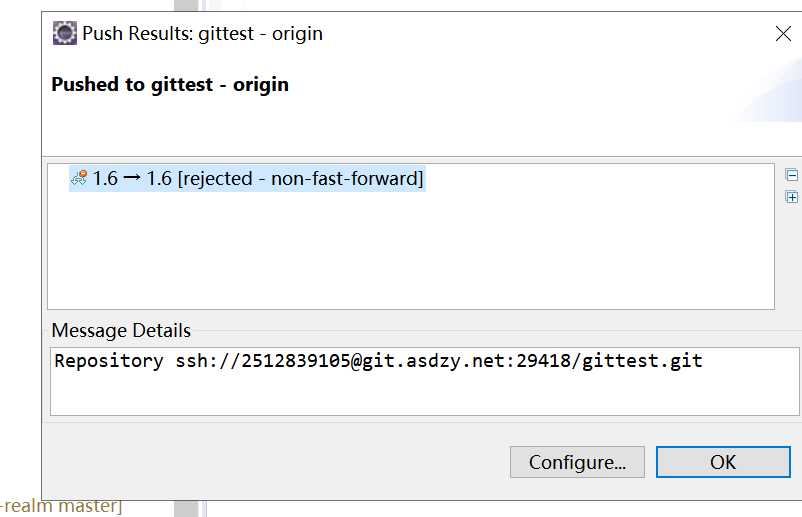
1.commit and plush 冲突文件 出现如下情况,点击OK
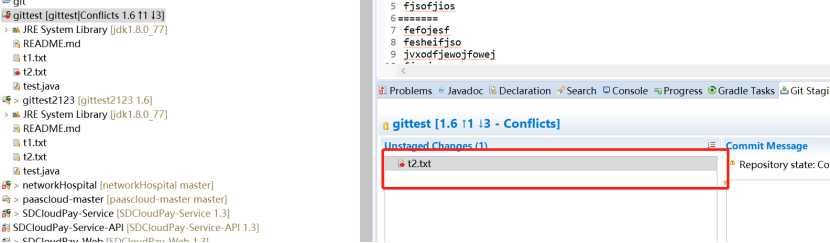
2,重新pull一次,出现如下情况,冲突文件标红
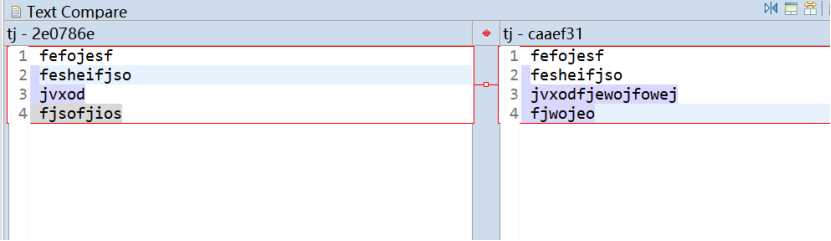
3.双击标红文件出现如下,标识出冲突部分
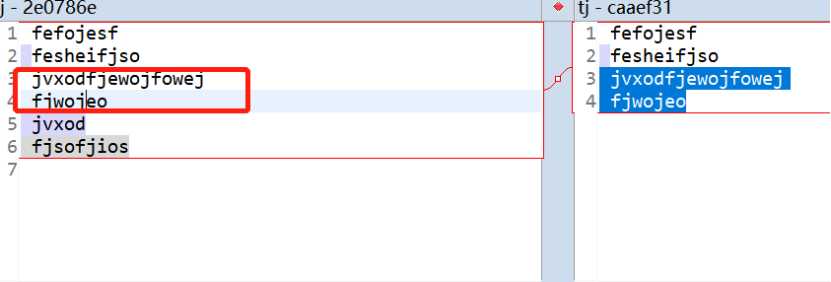
4.把线上代码合并到本地,如下图
5,add to index 标红文件,标红消失,按正常步骤提交代码
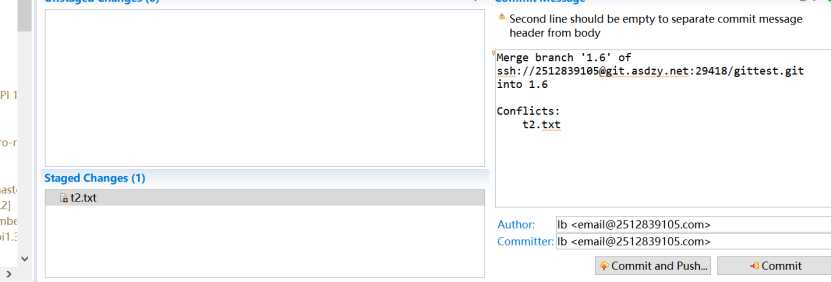
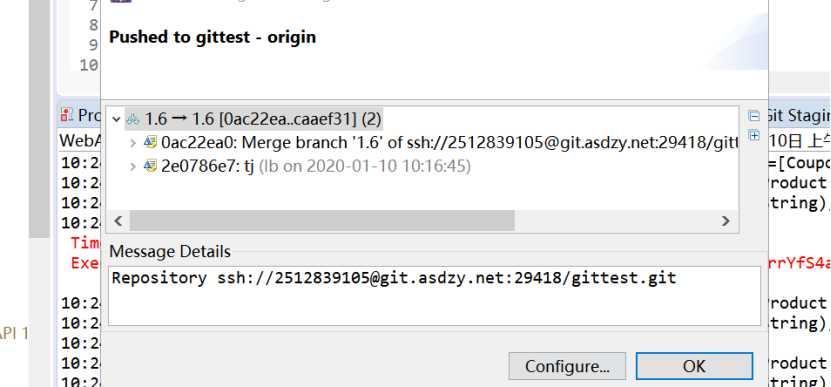
冲突解决
Eclipse 使用git pull 代码时发生冲突的解决办法
原文:https://www.cnblogs.com/feathe/p/12174908.html