Device required:
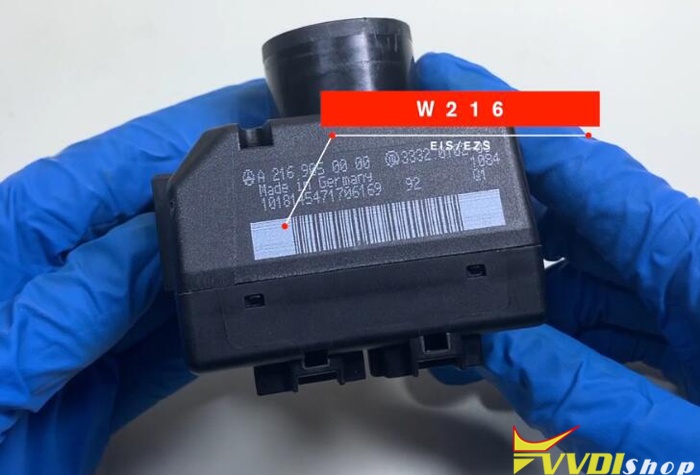
W216 EIS/EZS
VVDI MB BGA Tool
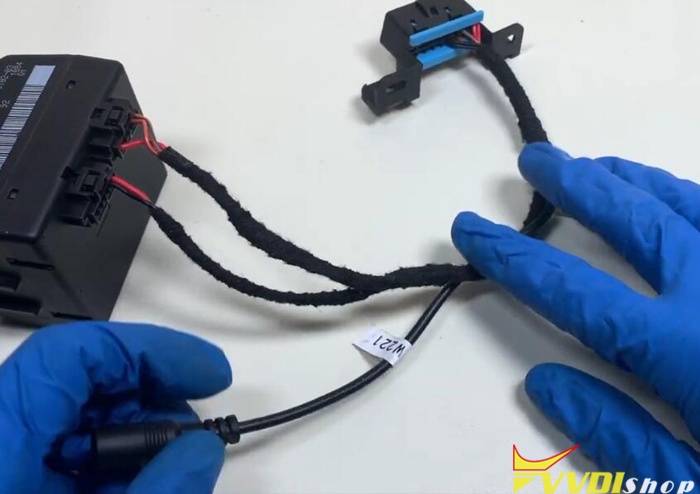
W216/W221 CABLE
Programming Procedure:
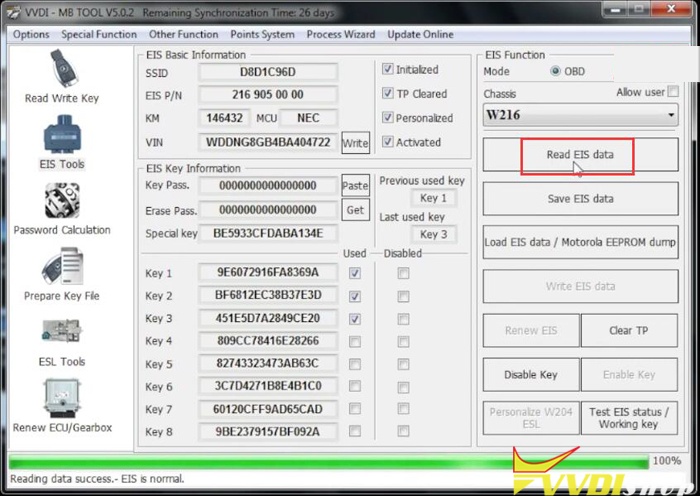
Step 1: Read EIS data
Connect W216/W221 cable with EIS and VVDI MB via test cable
Run VVDI MB software, Read EIS data
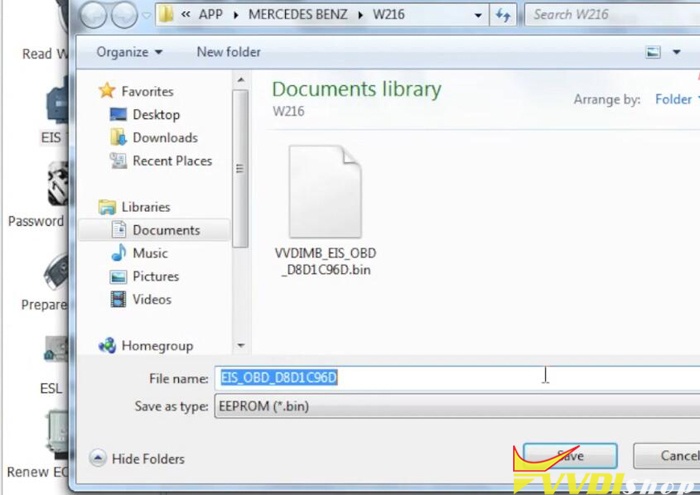
Save EIS data
Save HC05 format file
Step 2: Calculate Password
Select Password Calculation
Choose All keys lost->OBD mode->W216(FAST)
Connect
MB Power adapter with vvdi. Connect 12V to MB power adapter. Don’t provide 12V power to EIS cable.
Connect “Device OBD line” to OBD on bench before continue.
Press “Data Acquisition”
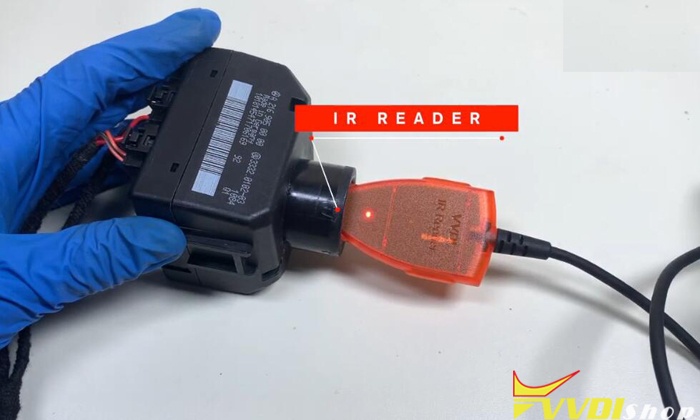
Connect IR adapter to
VVDI MB tool before press OK
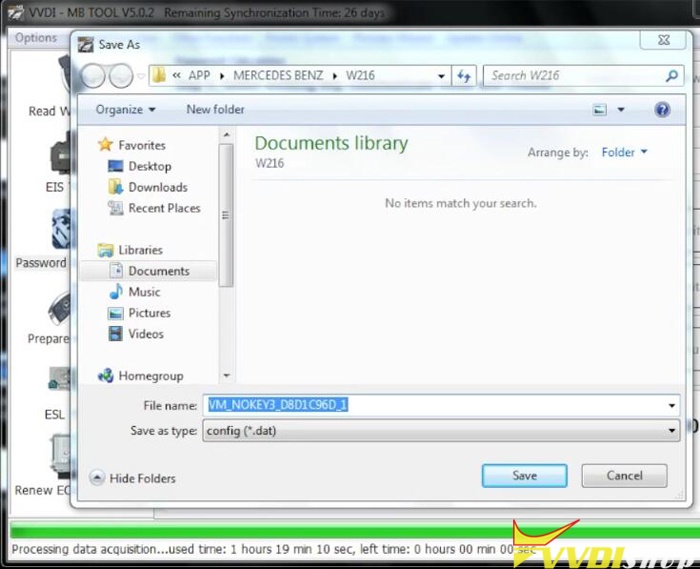
Wait about 1 hour 20 minutes to acquire data
Save data
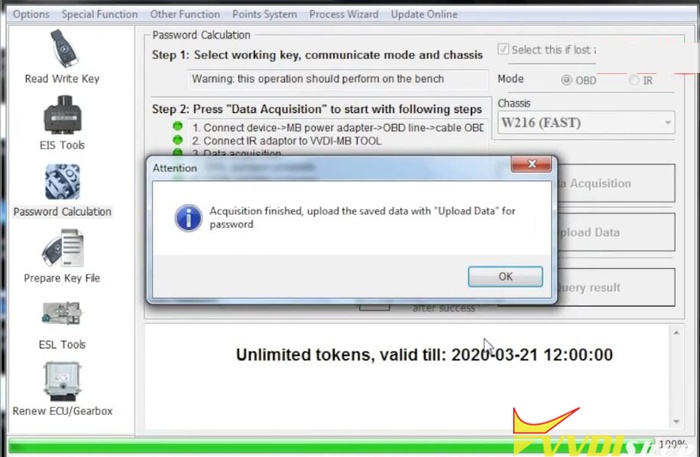
Data acquisition finished. Upload the saved data with “Upload data” for password
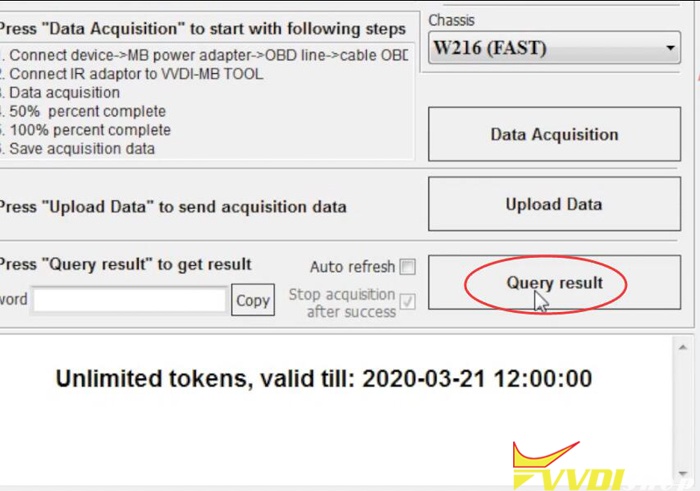
wait 2 minutes to query result
Calculate password succeed. Copy the password.
Step 3: Prepare Key File
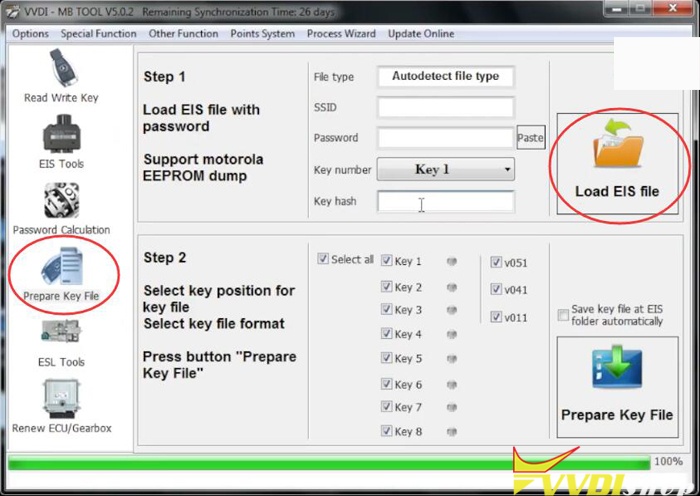
Choose Prepare Key File function
Load EIS file
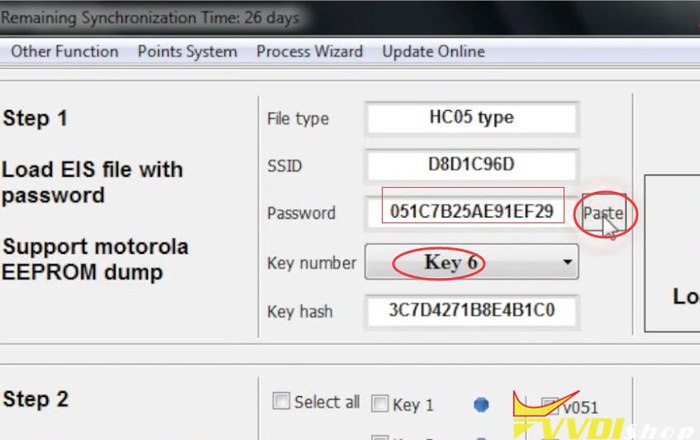
Paste password here and choose key number i.e #6
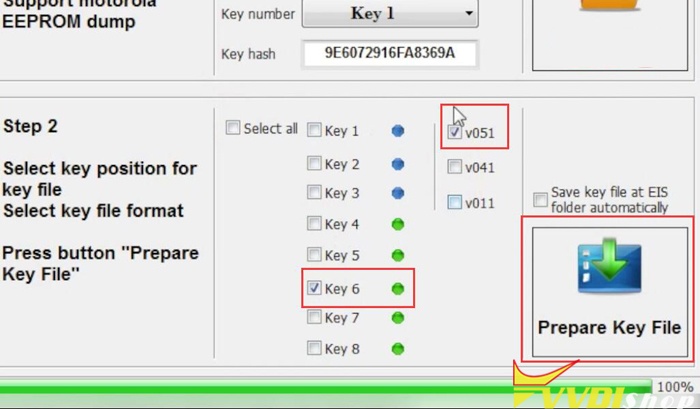
Select unused key position and tick V51
Press Prepare Key File
Save key file
Step 4: Write Key
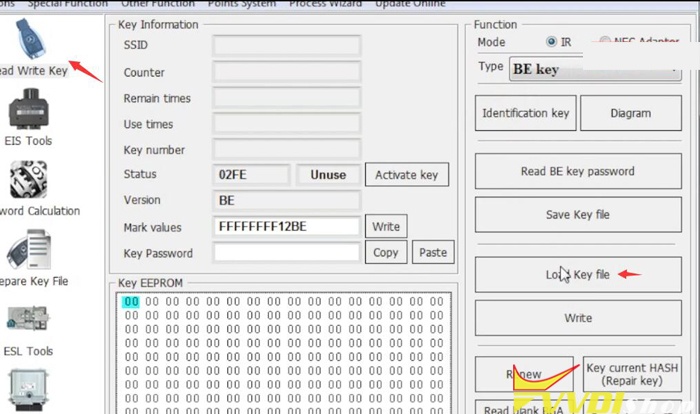
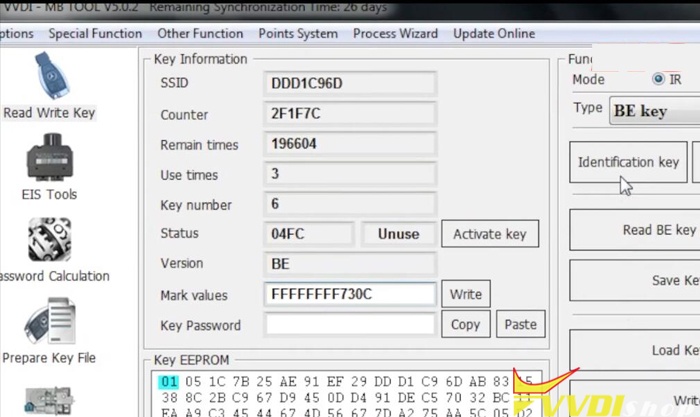
Select Read Write Key function
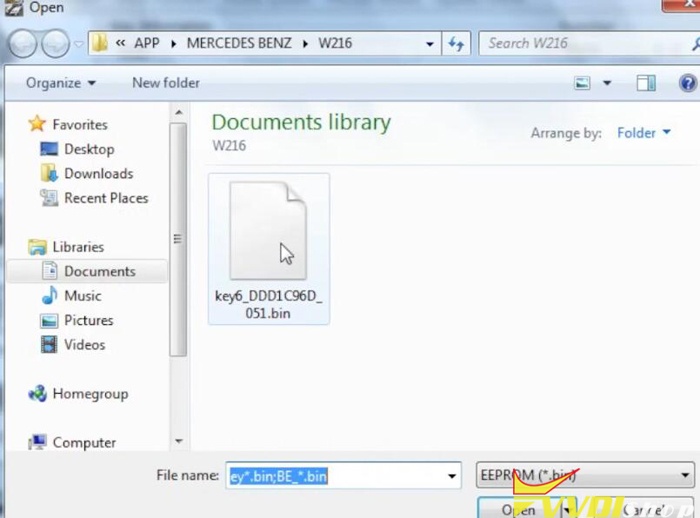
Load key file
Press Write to write key
Write key success.
Test the new key.
Done.
Program Mercedes W216 All Keys Lost with VVDI MB BGA Tool
原文:https://www.cnblogs.com/Cardiagnosis/p/12841767.html