
日常坑爹opencv
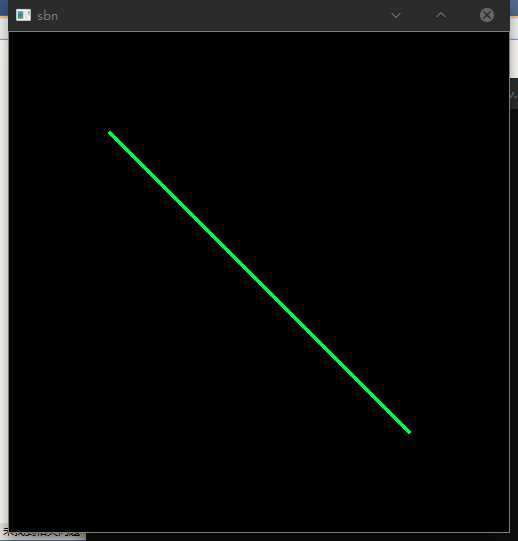
1、绘制线段
	Mat picture(500,500,CV_8UC3,Scalar(0,0,0,0.5));
	Point point1 = Point(100, 100);
	Point point2 = Point(400, 400);
	line(picture, point1, point2, Scalar(0, 255, 0), 2);
	imshow("sbn", picture);
	waitKey(0);
显示结果如下
    Mat picture(500,500,CV_8UC3,Scalar(0,0,0,0.5));
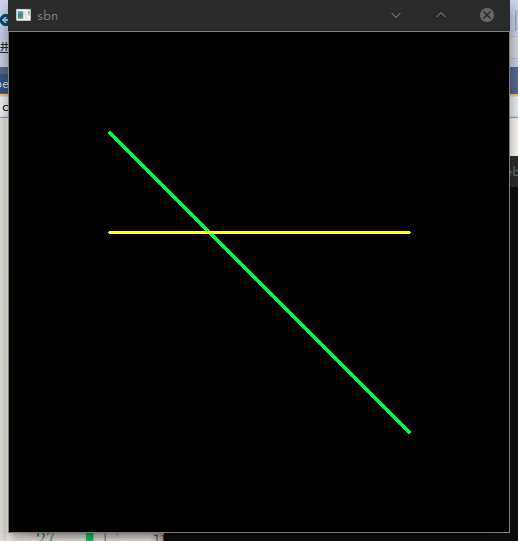
    Point point1 = Point(100, 100);
    Point point2 = Point(400, 400);
    Point point3 = Point(100, 200);
    Point point4 = Point(400, 200);
    line(picture, point1, point2, Scalar(0, 255, 0), 2);
    line(picture, point3, point4, Scalar(0, 255, 255), 2);
    imshow("sbn", picture);
    waitKey(0);
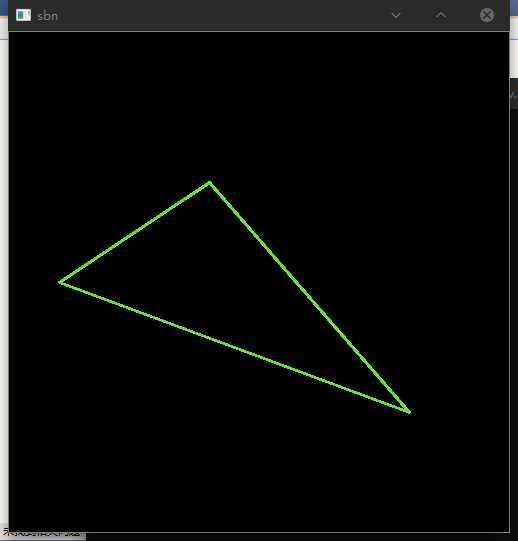
2、绘制三角形
    Mat picture(500,500,CV_8UC3,Scalar(0,0,0,0.5));
    Point point1 = Point(200, 150);
    Point point2 = Point(50, 250);
    Point point3 = Point(400, 380);
    Point point4 = Point(200, 150);
    line(picture, point1, point2, Scalar(24, 224, 139), 2);
    line(picture, point2, point3, Scalar(24, 224, 139), 2);
    line(picture, point3, point1, Scalar(24, 224, 139), 2);
    imshow("sbn", picture);
    waitKey(0);
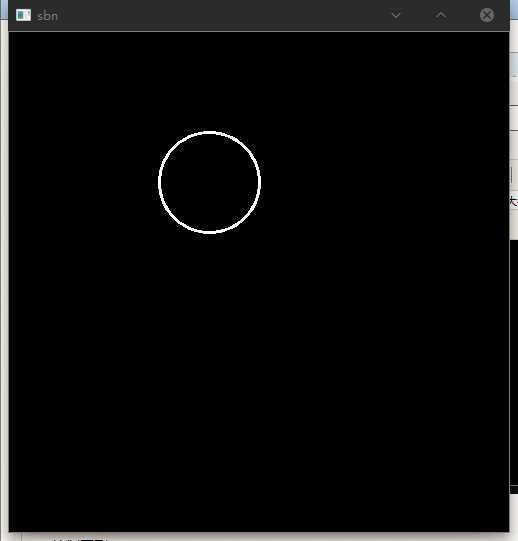
3、绘制圆形
    Mat picture(500,500,CV_8UC3,Scalar(0,0,0,0.5));
    Point point1 = Point(200, 150);
    circle(picture, point1, 50, Scalar(255, 255, 255, 255), 2);
    imshow("sbn", picture);
    waitKey(0);
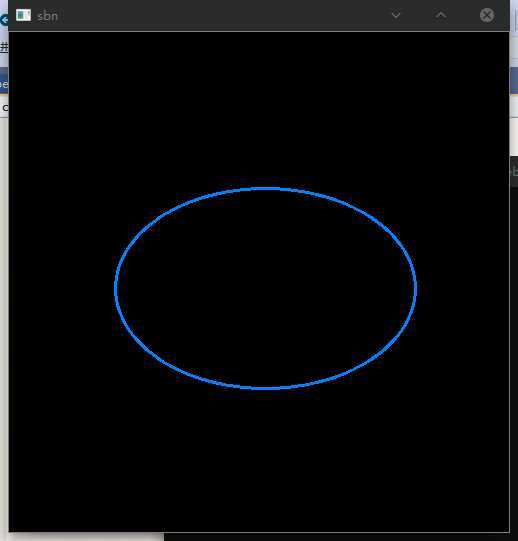
4、绘制椭圆
    Mat picture(500,500,CV_8UC3,Scalar(0,0,0,0.5));
    Point point1 = Point(200, 150);
    ellipse(picture,Point(256,256),Size(150, 100),0,0, 360,Scalar(255, 129, 0),2,-1);
    imshow("sbn", picture);
    waitKey(0);
5.绘制矩形
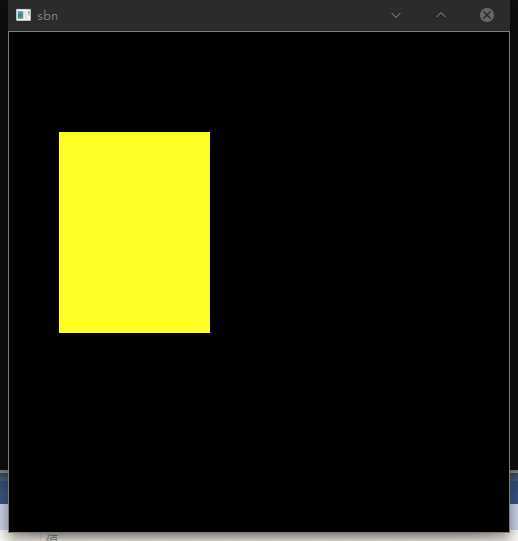
    Mat picture(500,500,CV_8UC3,Scalar(0,0,0,0.5));
    rectangle(picture, Point(50, 100), Point(200, 300), Scalar(0, 255, 255), -1);
    imshow("sbn", picture);
    waitKey(0);
5、加入文字
原文:https://www.cnblogs.com/bigtwetwet/p/12929802.html