
1、去官网www.nginx.org下载源码包,进入官网选择download,一般选择stable稳定版,可以浏览器下载好在移到xshell中,也可以wget下载 ,以nginx-1.18.0为例
wget http://nginx.org/download/nginx-1.18.0.tar.gz
2、准备nginx的编译安装环境,需要安装一些工具,如下。
yum install -y vim lrzsz tree screen psmisc lsof tcpdump wget ntpdate gcc gcc-c++ glibc glibc-devel pcre pcre-devel openssl openssl-devel systemd-devel net- tools iotop bc zip unzip zlib-devel bash-completion nfs-utils automake libxml2 libxml2-devel libxslt libxslt-devel perl perl-ExtUtils-Embed
3、解压下载好的源码包,进入nginx文件夹。
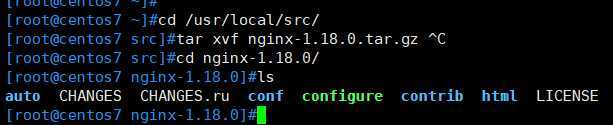
4、执行configure脚本,生成makefile文件,这里是configure脚本的一些常用模块参数,详细可./configure --help查看帮助选择需要的模块;
如果执行configure脚本,出现not found不成功,应该是第2步安装的包不够,根据它所提示的,缺什么装什么,然后在执行configure脚本
./configure --prefix=/apps/nginx --user=nginx --group=nginx --with-http_ssl_module --with-http_v2_module --with-http_realip_module --with-http_stub_status_module --with-http_gzip_static_module --with-pcre --with-stream --with-stream_ssl_module --with-stream_realip_module
5、编译安装
make && make install
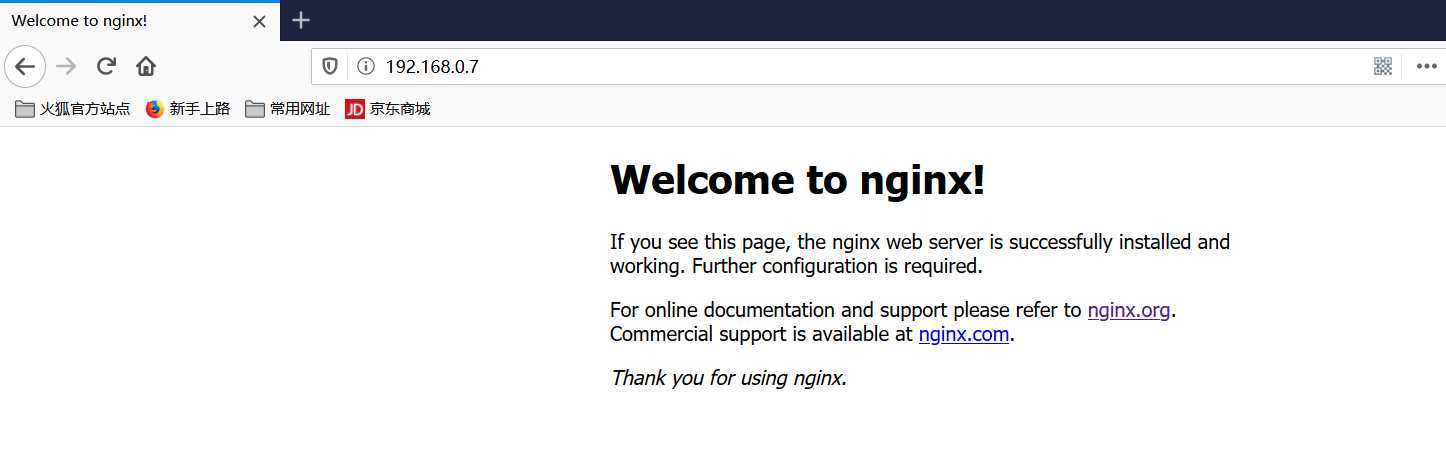
6、验证版本及编译参数,然后启动nginx,访问web页面

7、创建nginx自启动脚本
vim /usr/lib/systemd/system/nginx.service
[Unit]
Description=nginx - high performance web server
Documentation=http://nginx.org/en/docs/
After=network-online.target remote-fs.target nss-lookup.target
Wants=network-online.target

[Service]
Type=forking
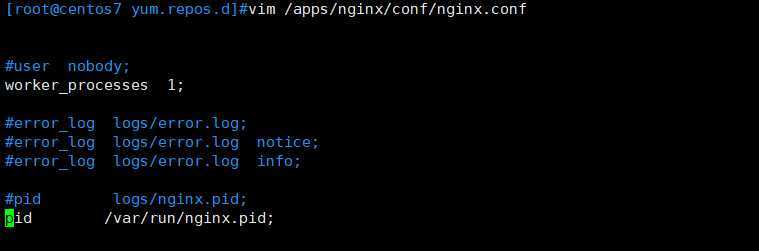
PIDFile=/var/run/nginx.pid     #此处pid的路径要和配置文件的pid路径一致
ExecStart=/apps/nginx/sbin/nginx -c /apps/nginx/conf/nginx.conf    #前面的路径是nginx安装路径下的nginx命令的路劲,后面是nginx配置文件的路径
ExecReload=/bin/kill -s HUP $MAINPID
ExecStop=/bin/kill -s TERM $MAINPID

[Install]
WantedBy=multi-user.target
修改nginx的配置文件,修改pid的路径和上面一致。
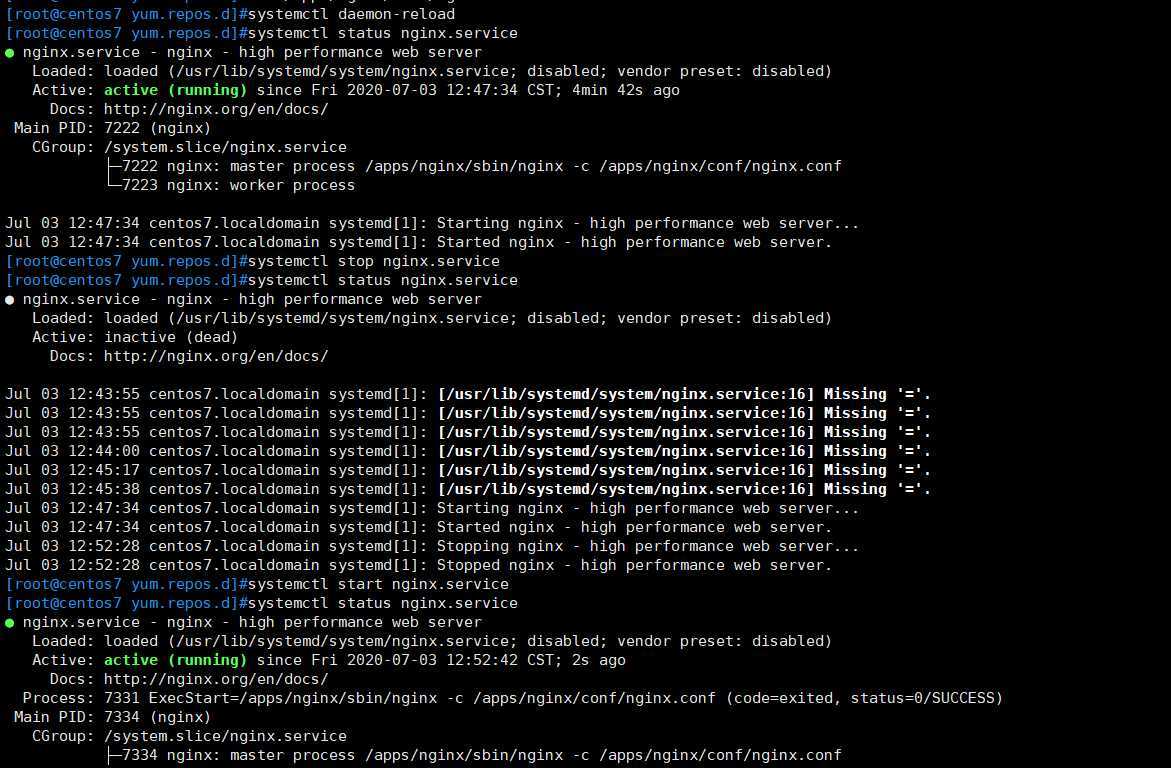
8、配置文件生效 systemctl daemon-reload
原文:https://www.cnblogs.com/zengwen003/p/13227531.html