
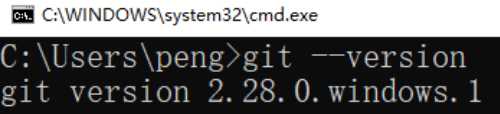
安装
官网下载exe,一路默认,安装到d盘
IDEA配置git
配置路径

登录账号
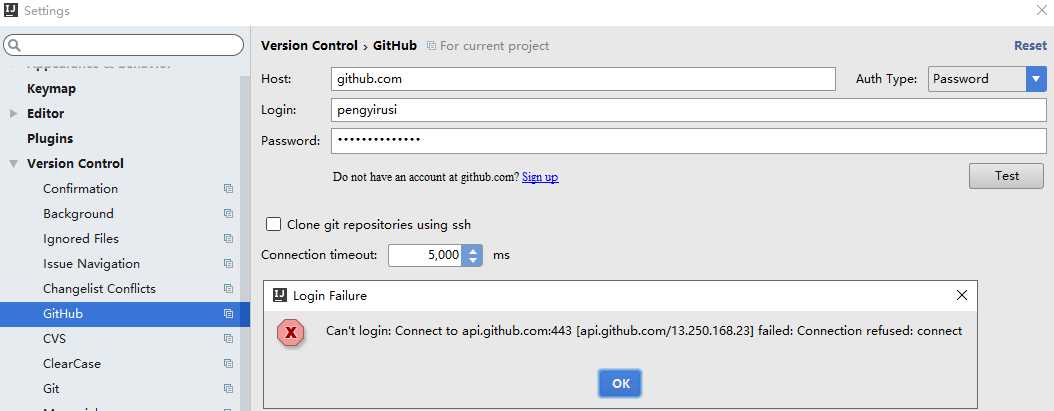
443错误,ping不过去
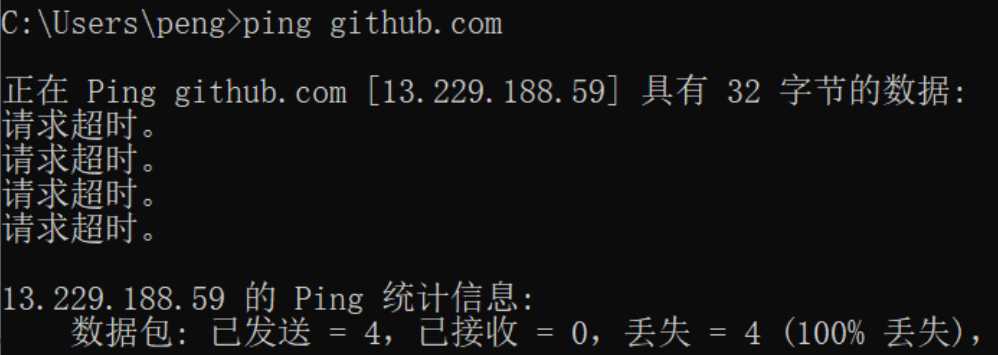
大概是网络被封,需用代理,命令如下
git config --global http.proxy http://proxyuser:proxypwd@proxy.server.com:8080
代理设置为172.16.13.171:8080,修改之后,连接成功
一些命令
git config --global http.proxy  查询代理
git config --global --unset http.proxy  取消代理
git config --global http.proxy http:172.16.13.171:8080 设置代理
git config --global https.proxy http:172.16.13.171:8080
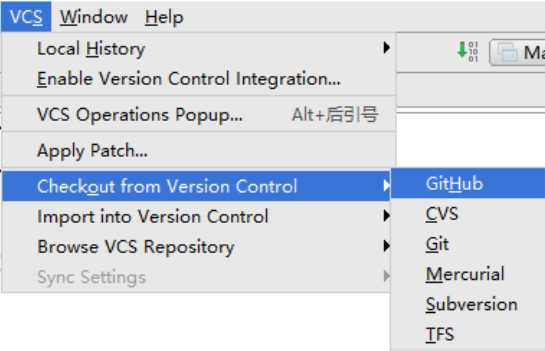
pull项目
checkout
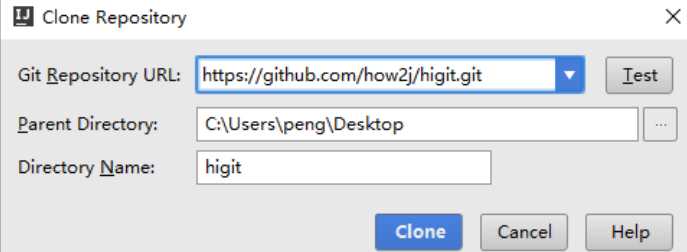
输入项目参数,就克隆how2j这个吧
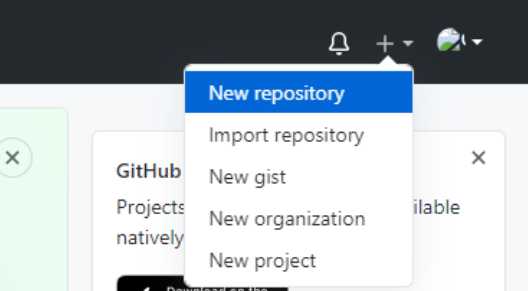
创建项目
新建仓库
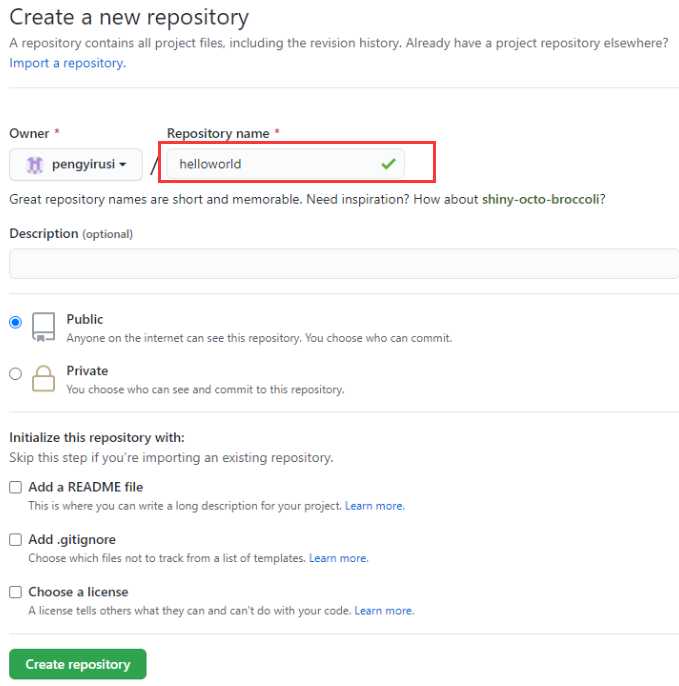
输入仓库名
得到github地址
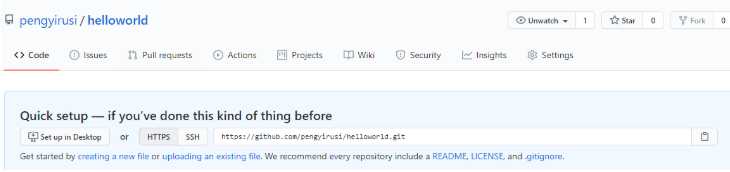
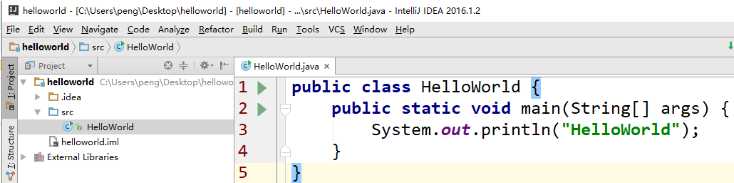
在IDEA新建一个项目
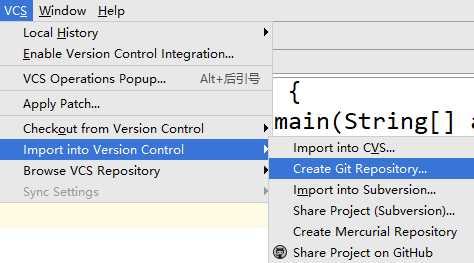
建立本地仓库
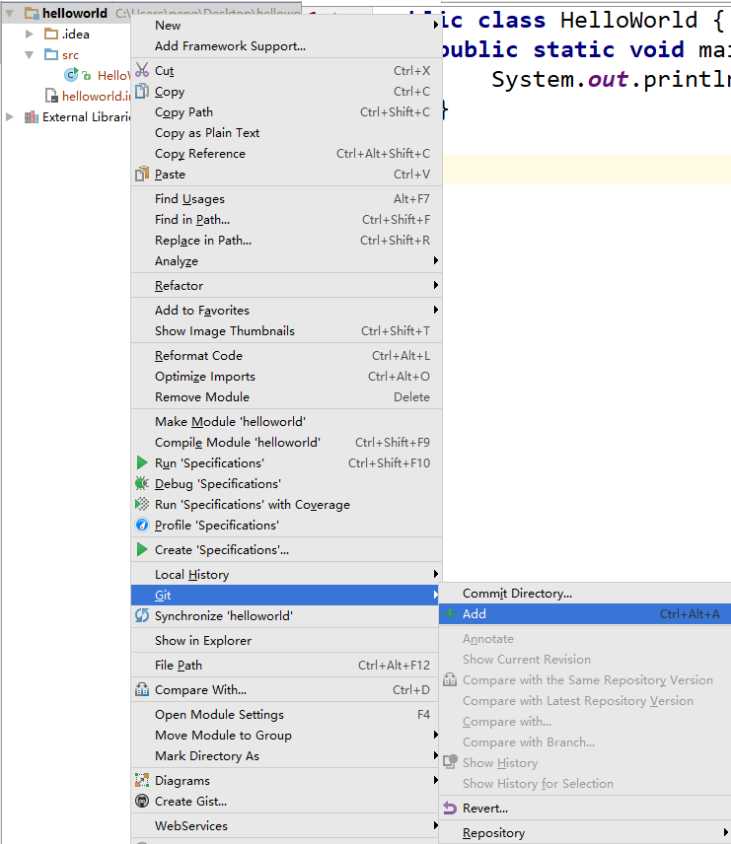
将项目加入本地仓库
提交项目
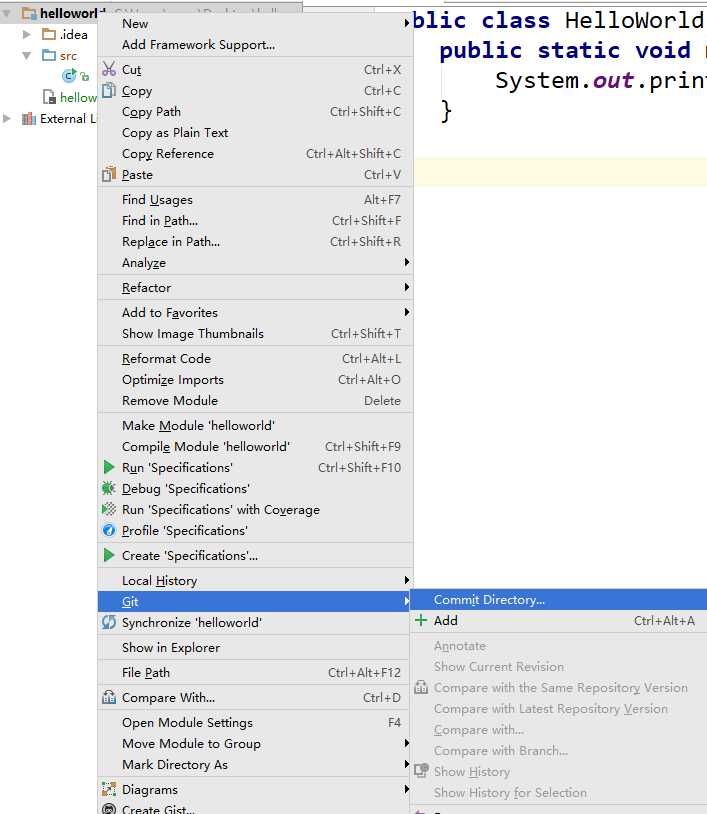
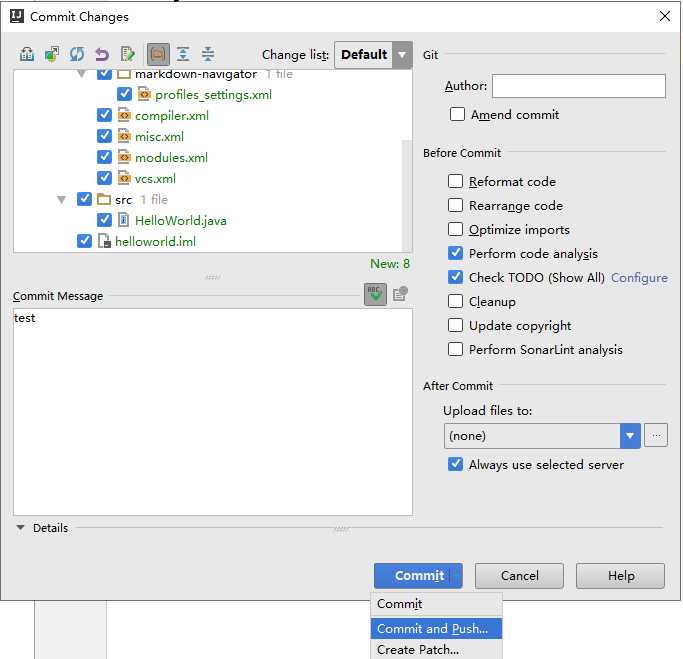
将remote换成github之前仓库地址:https://github.com/pengyirusi/helloworld.git
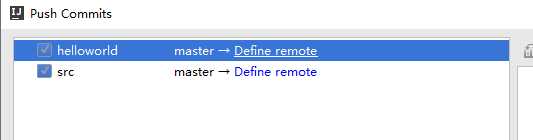
最后点push就可以了
IDEA提交和更新
原文:https://www.cnblogs.com/peng8098/p/java_32.html