
GM MDI and GM MDI 2 multiple diagnostic interface supports GM group vehicles till 2021, works with MDI software including global TIS, GDS 2, Tech2Win, provides dealer level diagnosis and programming for GM vehicles, can be used for SPS programming on existing and future SGM vehicles.
Why need to update GM MDI/MDI 2 firmware? because it is compatible with the newest original GDS2 software, only after doing firmware update can the newest v2020.12 Bosch software recognize it.
How To Update MDI Firmware? (same update procedure for GM MDI 2)
1.connect device to vehicle, keep pressing and holding the power button on GM MDI/MDI2 interface, until the power indicators turn green, release the power button
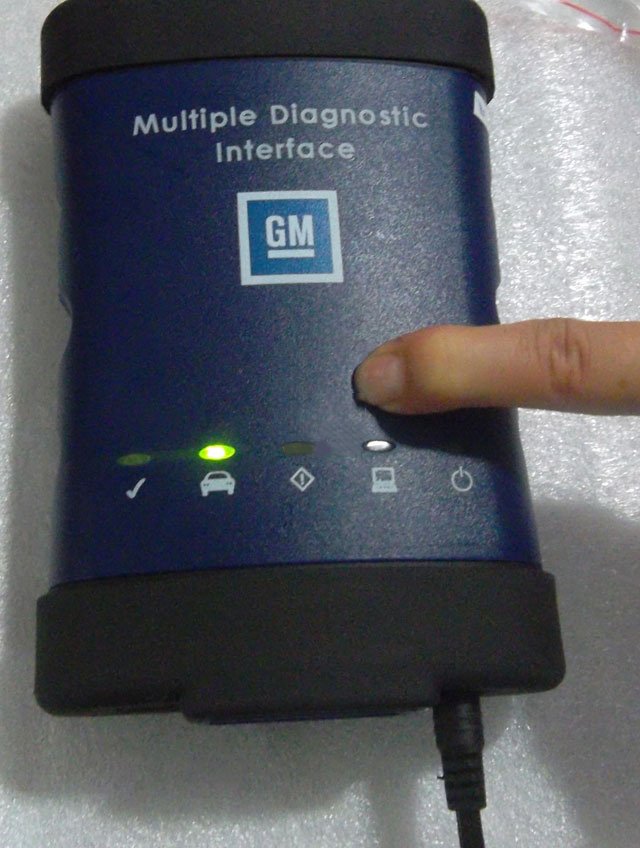

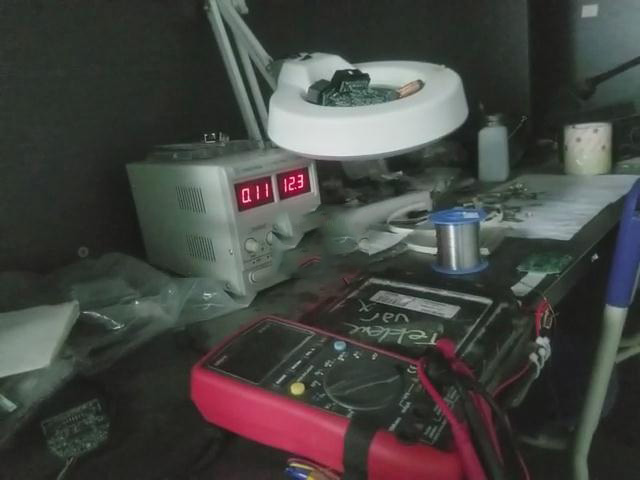
2. Connect device to laptop via USB cable
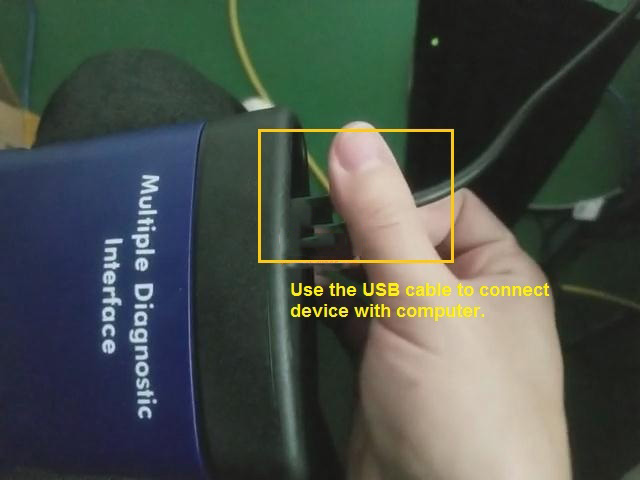
3. Install Latest MDI manager 8.5.33.53 at desktop and open it.
GM MDI manager 8.5.33.53 download link: https://mega.nz/file/UdgnXYZY#g6_PFcquwG5ZDbhNlZtHgfSzbnxsyhpDqDMXu3R-kgc
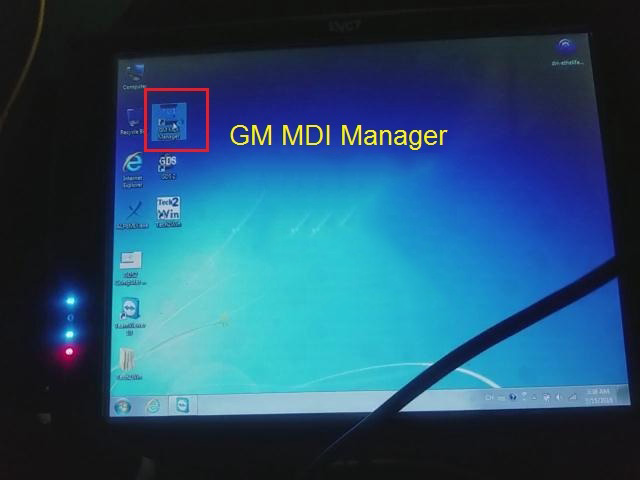
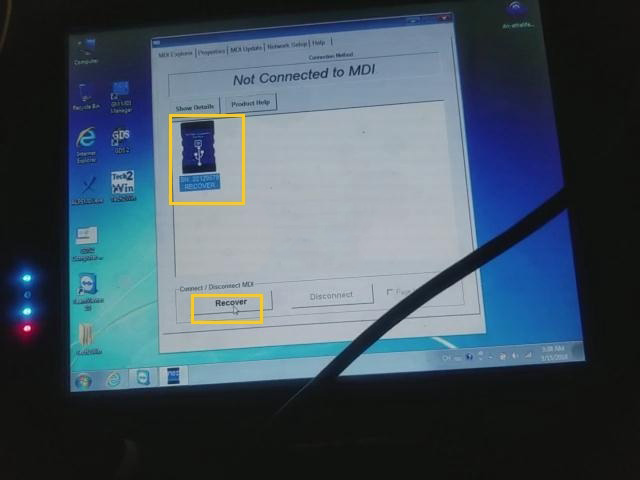
4. Click “MDI” icon and then “Recover”
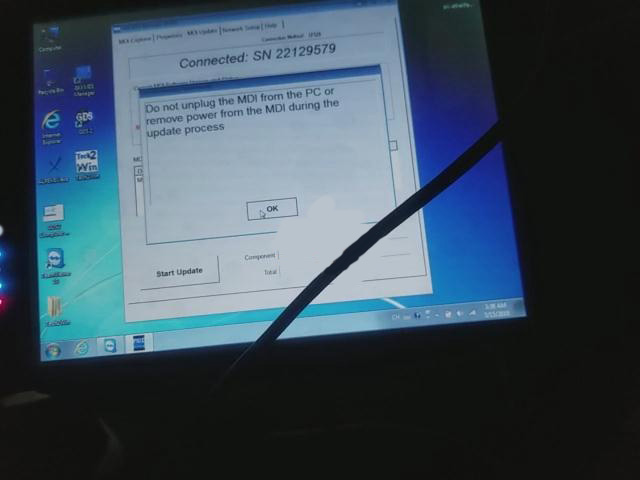
5. Read the guide “Do NOT unplug the MDI from the PC or remove power from the MDI during update process”
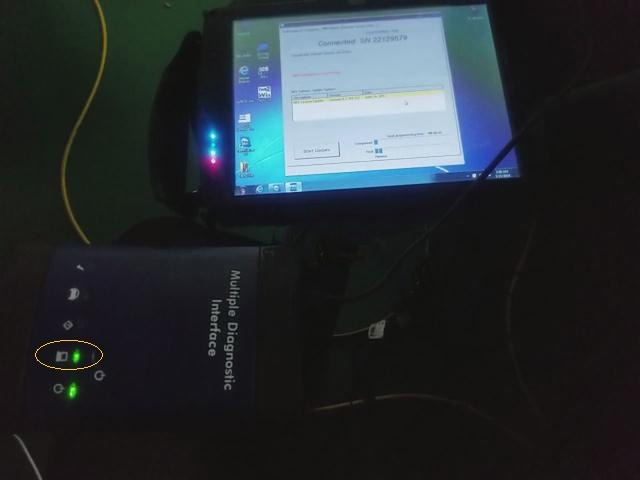
6. Start.. you can see the computer indicator will turn green, means the MDI/MDI 2 is coummunicating with the computer, and you will see the progress bar on the screen.
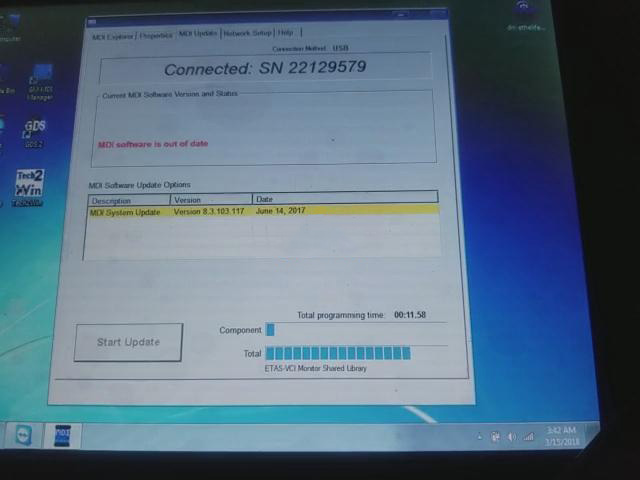
7. MDI will now automatically restart wait until you hear the “Beep”, then the MDI is ready for use
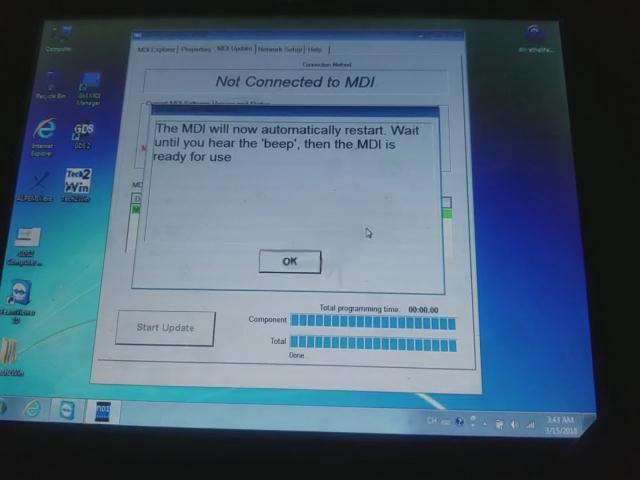
8. MDI Manager upate successfully, you can see all of the indicator will turn green one by one, and one you are ready to connect MDI/MDI2
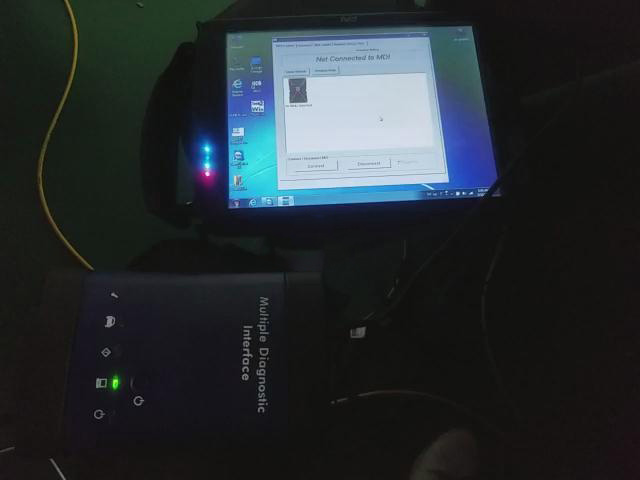
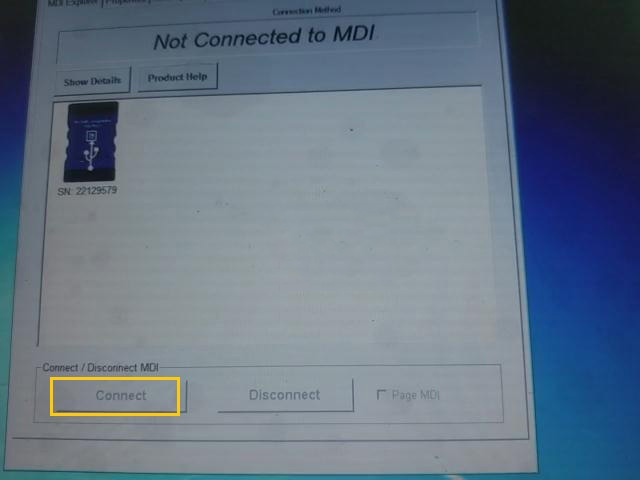
GM MDI GM MDI 2 Interface Firmware Update Guide
原文:https://www.cnblogs.com/alice88auto/p/14788589.html