
Download PICT
Url:http://download.microsoft.com/download/f/5/5/f55484df-8494-48fa-8dbd-8c6f76cc014b/pict33.msi
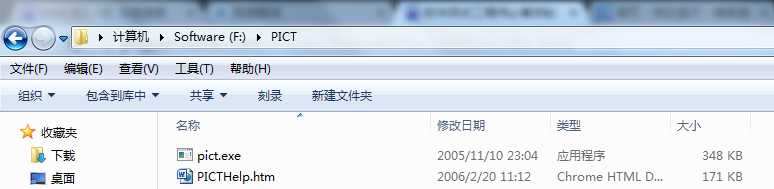
1. Install PICT to the specified directory, here is F:\PICT
2. Create a .txt file in F:\PICT, and input parameters into the file as the picture show s below

3. Get into CMD
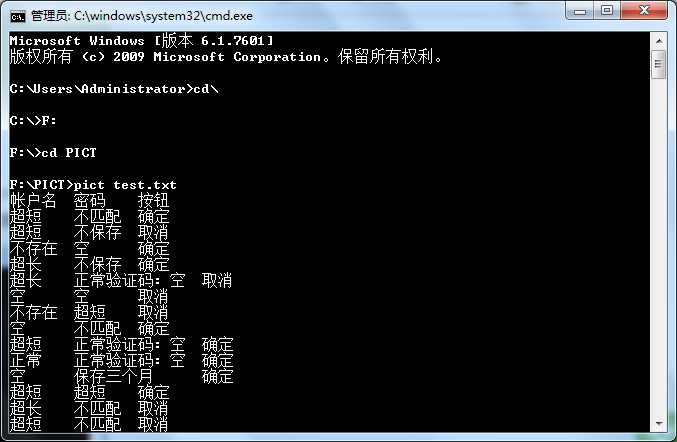
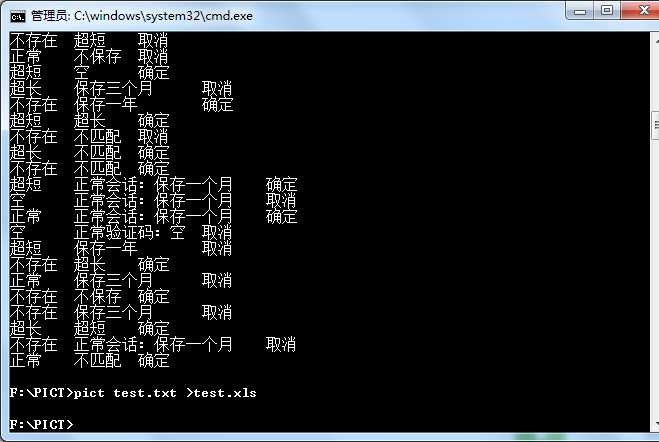
4. Then it creates a .xls file in F:\PICT
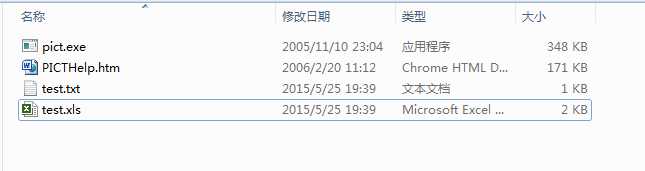
5. The detail of .xls file:
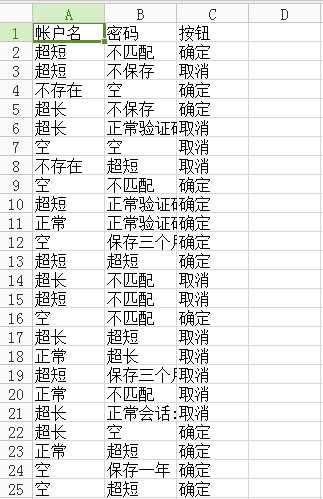
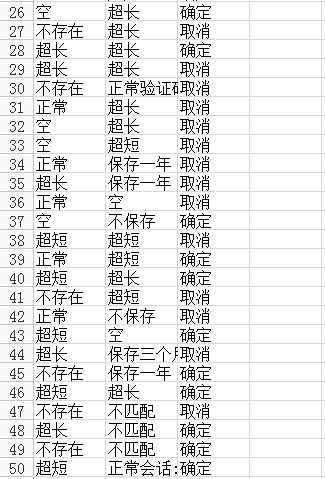
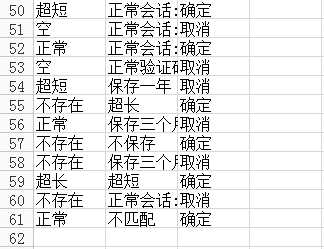
原文:http://www.cnblogs.com/jdoran/p/4528727.html